Working with modules: Combination module with cycles
Characteristics of a combination module:
- Marking

- combines a maximum of 9 different modules
- Horizontal and / or vertical repetition of the modules
- Used as drawing tool
Generating a combination module:
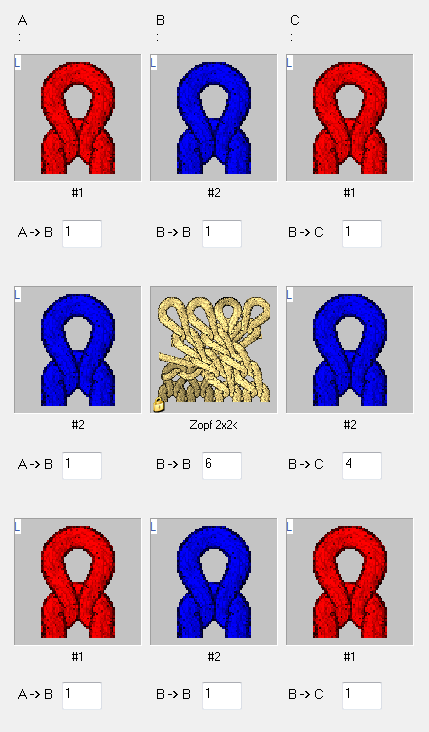
- Allocating the modules to the combination module by Drag & Drop.
- The offset values will be applied automatically by the allocation.
- You can position horizontally and / or vertically by changing the offset.
- The offset values are always referred to a reference point in the lower left of the module.
Meaning of the offset with horizontal placement:
|
Meaning of the offset specifications | ||
|---|---|---|
|
|
|
Edge left | Center | Edge right |
Offset: 1 | Modified offset: 6 | Offset: 4 |
Horizontal distance of the module to the module placed on the right-hand side | Horizontal distance for placing the same module when repeating | Horizontal distance of the module to the module placed on the left side |
Result: | ||
This element is placed at the left border one time next the neighboring element (cable) with a distance of one column. | The offset specification for the module Cable 2X2< causes it to be repeated with a horizontal distance of 6 stitches in the pattern. | This element is placed at the right border one time next to the last element of the repetition (cable) with a distance of four column (cable width). |
| ||
Example: | ||
| ||
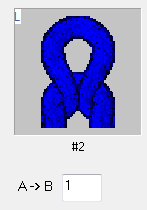
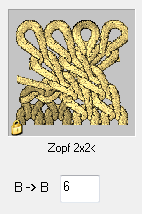
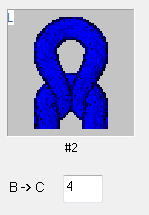
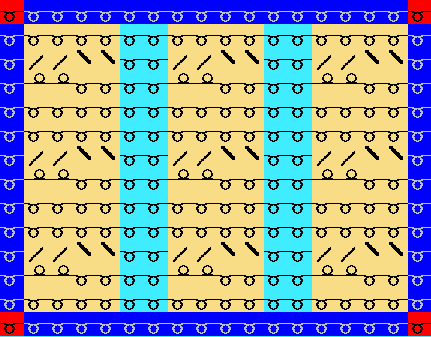
If the offset value at B->B is smaller than the width of the module in use the modules of the repetition are inserted overlapping.
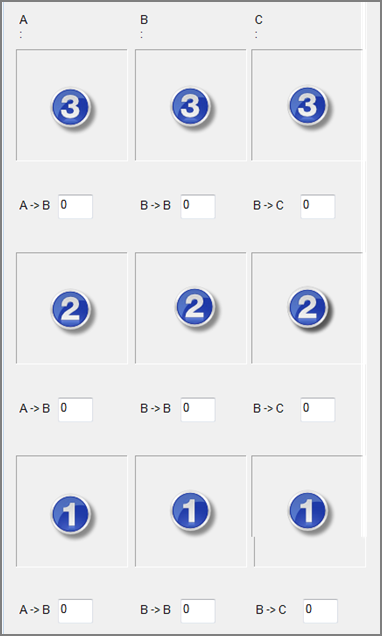
Vertical placement of the elements in the combination module:
|
No. | Meaning |
|---|---|
1 | The elements is inserted once at the beginning (border at the bottom)
|
2 | The elements can be repeated vertically
|
3 | The elements is inserted once at the end (border at top)
|
 : The elements must have the same height!