Generate a Fade-out Module for the Tubular Trimming
I. Generate fade-out module:
Generate fade-out modules for the tubular trimmings and allocate them to the shape edges.
- 1
- Call up the dialog box via the / / Module… menu.
- The New Module dialog box appears.
- 2
- Select the
 pattern type in the New Module dialog box.
 - 3
- Enter width and height.
- 4
- Select the desired knitting mode in the selection list.
- 5
- Close the New Module dialog box with OK.
- The Properties of: xx dialog box appears.
- 6
- Close the Properties of dialog box with OK.
- The Modul Editor appears.
- 7
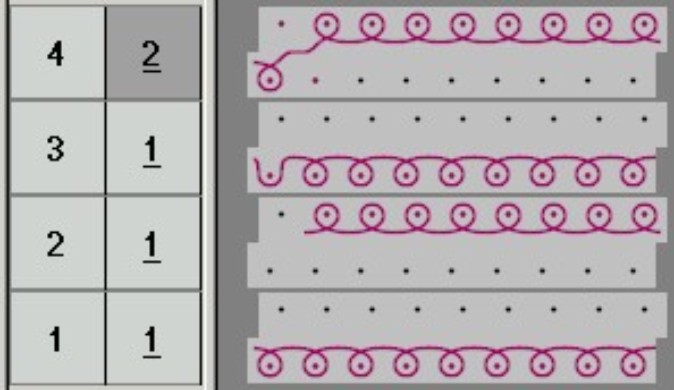
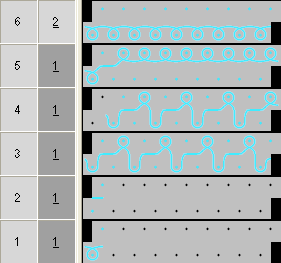
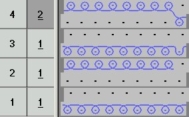
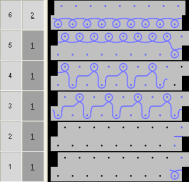
- Draw the knitting process with Needle actions.
|
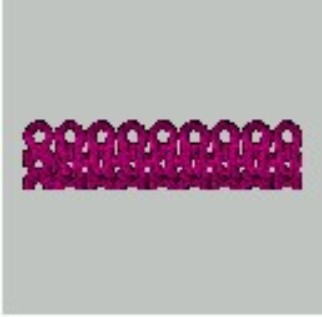
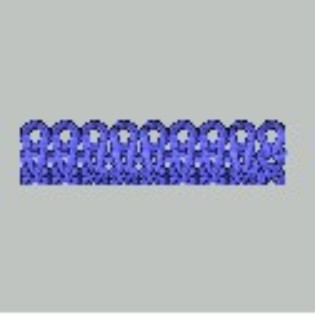
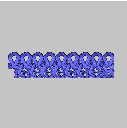
Modules for overlapping tubular border | |||
|---|---|---|---|
|
Left edge | |||
|
Module name |
Presentation |
Stitch line | |
|
Left border |
|
| |
|
Start of left border |
|
| |
|
Right edge | |||
|
Module name |
Presentation |
Stitch line | |
|
Right border |
|
| |
|
Start of right border |
|
| |