Generate Own Fade-out Modules
I. Generate fade-out module:
- 1
- Call up the New Module dialog box via the / / menu.
- 2
- Select the Type of pattern in the dialog box.
- 3
- Enter width and height of the module.
- 4
- Select the
 knitting mode.
 - 5
- Close the New Module dialog box with OK.
- The Properties of: XX dialog box appears.
- 6
- Close the Properties of dialog box with OK.
- The Module Editor appears.
- 7
- Draw the knitting process with Needle actions.
|
Modules for fade-out | |
|---|---|
|
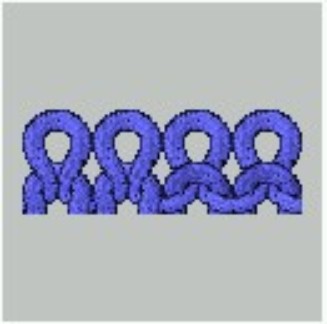
Left edge right side of V-neck |
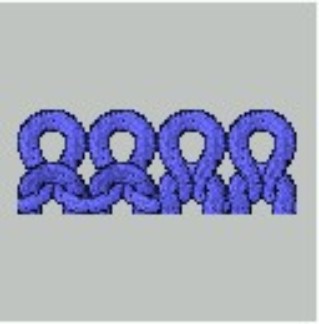
Right edge left side of V-neck |
|
|
|
- 8
- Close the dialog box with
 .
. - The Save Module in the Database? prompt appears.
- 9
- Confirm the dialog box with Yes.
- The module is saved in the Module Explorer of Database under New Modules.
- 10
- Move the module from New Modules to a module group of your own.