Allocate modules for the selvedge
Allocate modules for the 1x1 edge to the selvedges:
- 1
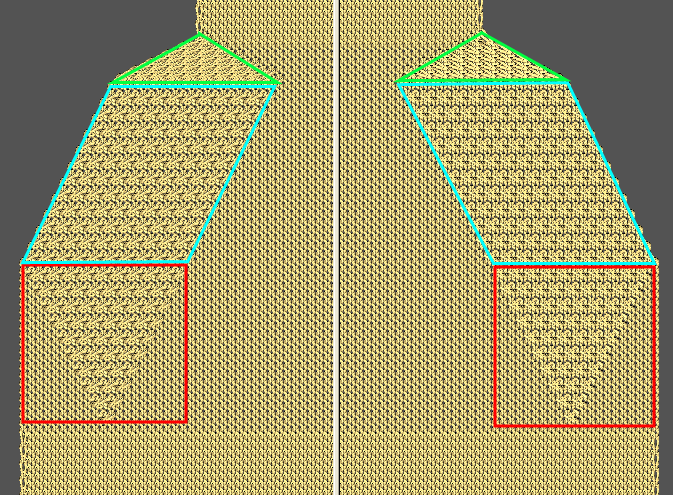
- Allocate the modules for the 1x1 edge to the left and right selvedges of the basic elements no. 3, 4, 5.
|
Left edge | ||
|---|---|---|
|
Edge: no. |
Module name |
Function |
|
3 |
10N_20R_RR>1x1_left_above |
Fading-out |
|
4 |
10N_2C_><_NF_L |
Narrowing |
|
5 |
10N_5R_1x1>RR_L |
Fading-out |
- 2
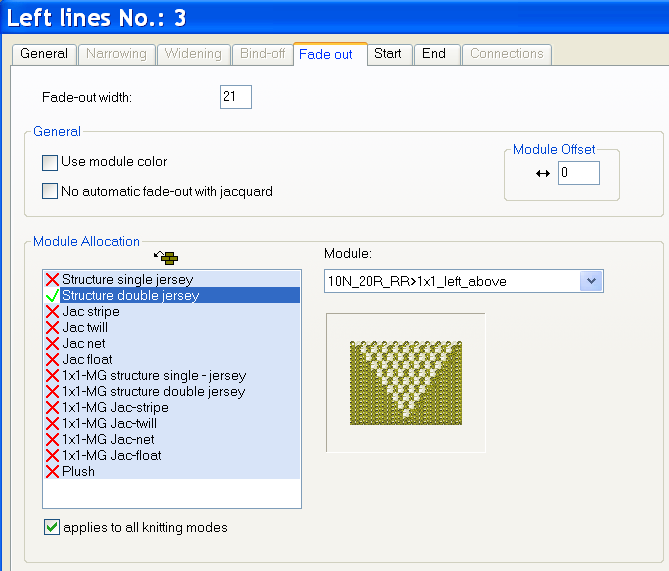
- Allocate the module to the edge no. 3 under fade-out with drag-and-drop.
- the fade-out width will be entered automatically.
- 3
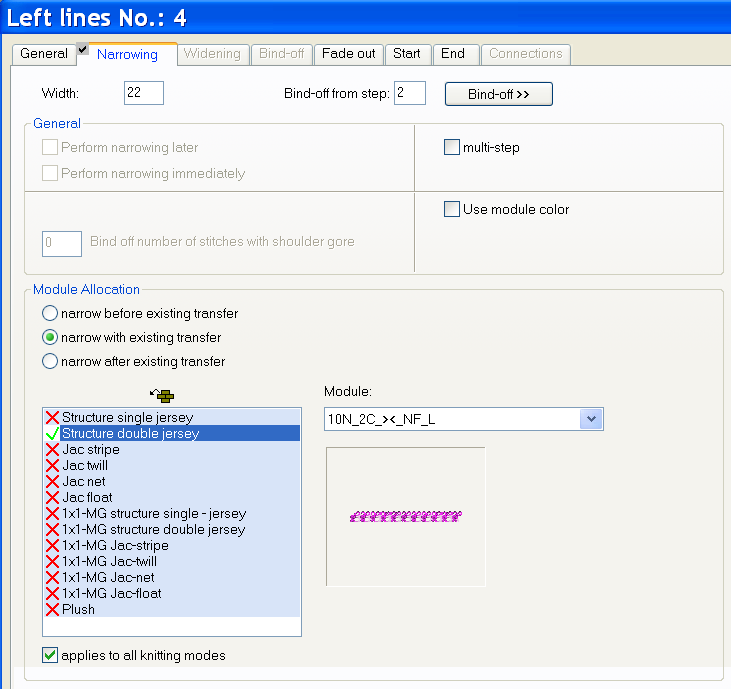
- Allocate the module under narrowing to the edge no. 4.
- The width will be entered automatically.
- 4
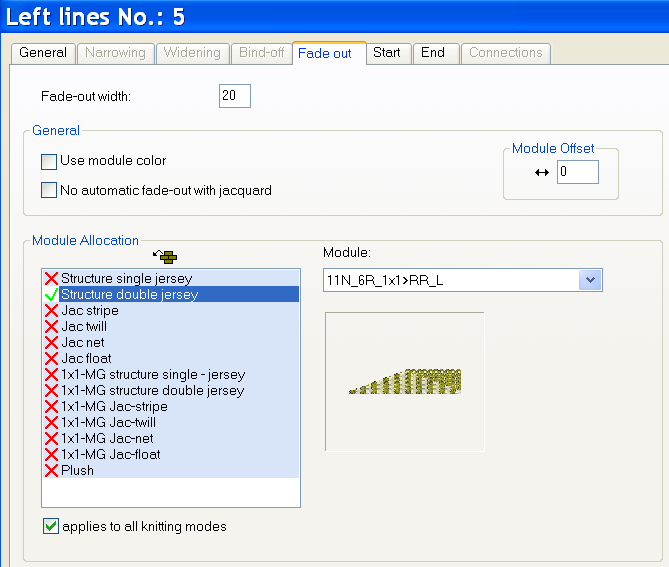
- Allocate the module under fade-out to the edge no. 5.
- the fade-out width will be entered automatically.
- 5
- Allocate the fade-out and narrowing modules of the right side to the right side edges of the basic elements no. 3, 4, 5.
|
Left edge | ||
|---|---|---|
|
Edge: no. |
Module name |
Function |
|
3 |
10N_20R_RR>1x1_right_above |
Fading-out |
|
4 |
10N_2C_><_NF_R |
Narrowing |
|
5 |
10N_5R_1x1>RR_R |
Fading-out |
- 6
- Save the shape via the / or menu.
- The shape will be saved in the shp format.
- 7
- Close the Shape Editor with
 .
.