Create Pattern
Create a new pattern:
- 1
- Select / from the menu bar.
- 2
- Enter a Pattern name.
- 3
- Select the machine type and the desired setup type.
- 4
- Select Basic pattern (pattern without shape) and .
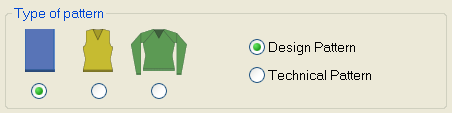
- 5
- Define the pattern size and the basic knitting mode.
- 6
- Select the settings for the start.
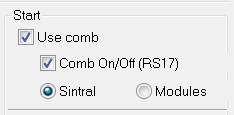
- Use Comb
- Comb On/Off (RS17)
- Sintral or module
- 7
- Confirm the settings with Generate Design Pattern.
- The Symbol view [Basic] will be opened.
- 8
- Draw a basic pattern as desired.