Shapewizard: Determine docking points and k&w Arrangements
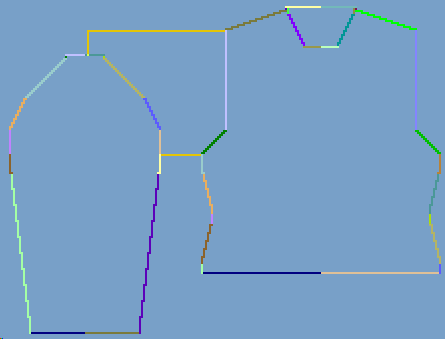
I. Open ShapeWizard and set docking points:
- 1
- Open the ShapeWizard dialog box via the / menu.
- 2
- Open the Docking Points dialog box with the
 icon in the toolbar of the Shapewizard.
- 3
- Set the docking point for sleeve-body.
- 4
- Set remaining narrowing docking point:
- The Remaining narrowing connects the stitches remaining at the end of the sleeve to the body.
II. Determine k&w Arrangements:
- The docking points for Sleeve-Body and for Remaining narrowing in the Docking points dialog box have to be defined.
- 1
- Press Determine k&w Arrangements.
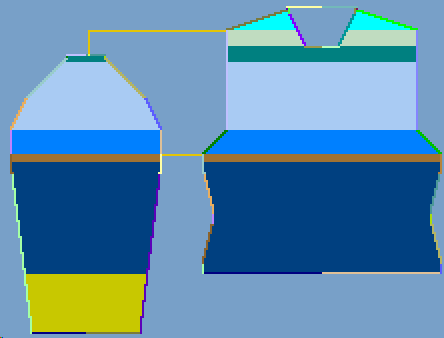
- k&w Arrangements without compensation
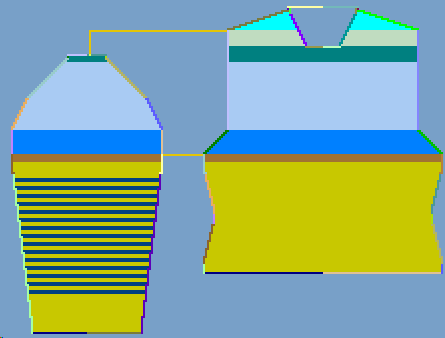
- k&w Arrangements with compensation
- 2
- Close the Shapewizard dialog box.
- The shape will be saved as kaw file.