Steps to knit and wear Pattern
|
Setting |
Meaning |
|---|---|
|
|
k&w pattern programing on the M1plus with the new functions
|
|
|
Selection is not possible:
|

 Technical Pattern
Steps to knit and wear Pattern
|
Steps of pattern programing | |
|---|---|
|
|
|
|
| |
|
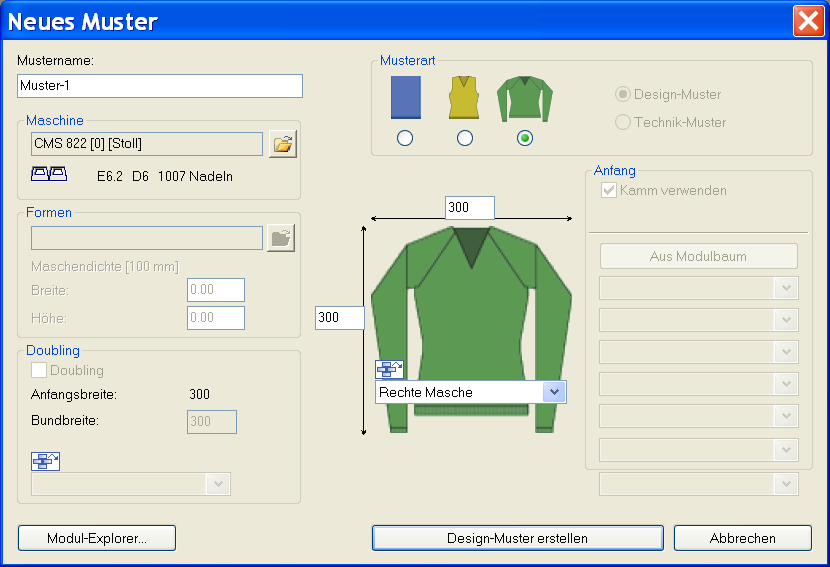
Generate new pattern:
| |
|
| |
|
Drawing the Pattern (Basic) in the Design Mode
| |
|
| |
|
Generate shape in the:
Save shape with k&w Arrangements as kaw file | |
|
| |
|
Menu / | |
|
|
|
|
|
Edit the k&w Arrangements
|
|
| |
| |
|
|
|
|
Cut-out shape With k&w Options for the cutting out | |
|
| |
|
Expand pattern Expanded pattern will be saved | |
|
| |
|
Start the technical processing Processed pattern will be saved | |
|
| |
|
Generate MC Program Sintral Jacquard Setup | |
|
| |
|
Run the Sintral Check | |
|
| |
|
Save MC-Program and load data into the machine | |


You can start the steps of processing  ,
,  and
and  together as well.
Intermediate states of pattern will not be saved then.