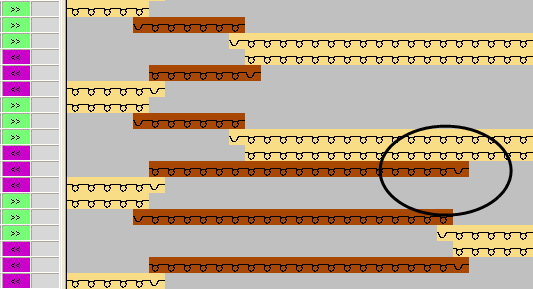
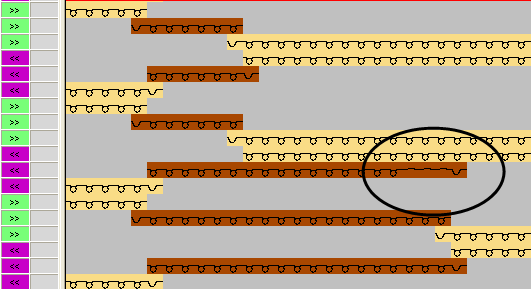
Set the Allowed Stepping for Border Processing
- 1
- Select the desired yarn field in the yarn field view.
- or -
Select the yarn field in the column of the yarn field table.
 - 2
- Place the cursor in the cell of the selected row in the Allowed Stepping for Border Processing at the Right
 column.
 - 3
- Call up the context menu and select the desired stepping
 .
. - 4
- Insert the selection in the cell of the table.
- 5
- Make the setting for the allowed stepping for border processing at the left
 according to the same procedure.
|
Examples |
Result |
|---|---|
|
Stepping 0 |
|
|
Stepping 3 |
|