The Module Explorer of Database
You call up the Module Explorer of Database in the / menu.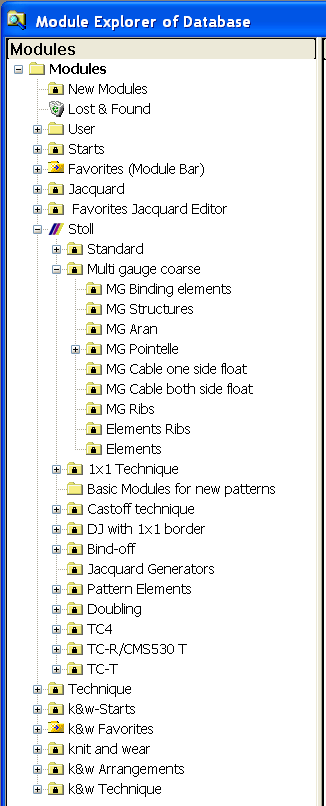
- The modules are organized in module groups.
- The module groups are displayed in the module tree on the left side.
- Modules of a selected sub-group are displayed on the right-hand side of the explorer.
- All Stoll modules are write protected
 .
. - Modules of your own are not write protected.
- Changes of modules in the Module Explorer of Database do not affect an existing pattern.
- Changes of modules in the Module Explorer of Database will affect a newly generated pattern only.
- Use modules of the Stoll folder for drawing:
- Select the modules directly in the Module Explorer Database and draw them in the motif.
- The modules of the Technical folder are inserted automatically by the technical processing
 according to the allocation in different dialog boxes (Configuration, Shape Attributes, ...).
 - These modules cannot be drawn-in manually in the pattern.