Argyle Drawing Tool
I. Generate diamond for Argyle pattern:
- 1
- Click the
 icon of the Drawing Tools toolbar.
- The Argyle dialog box appears.
|
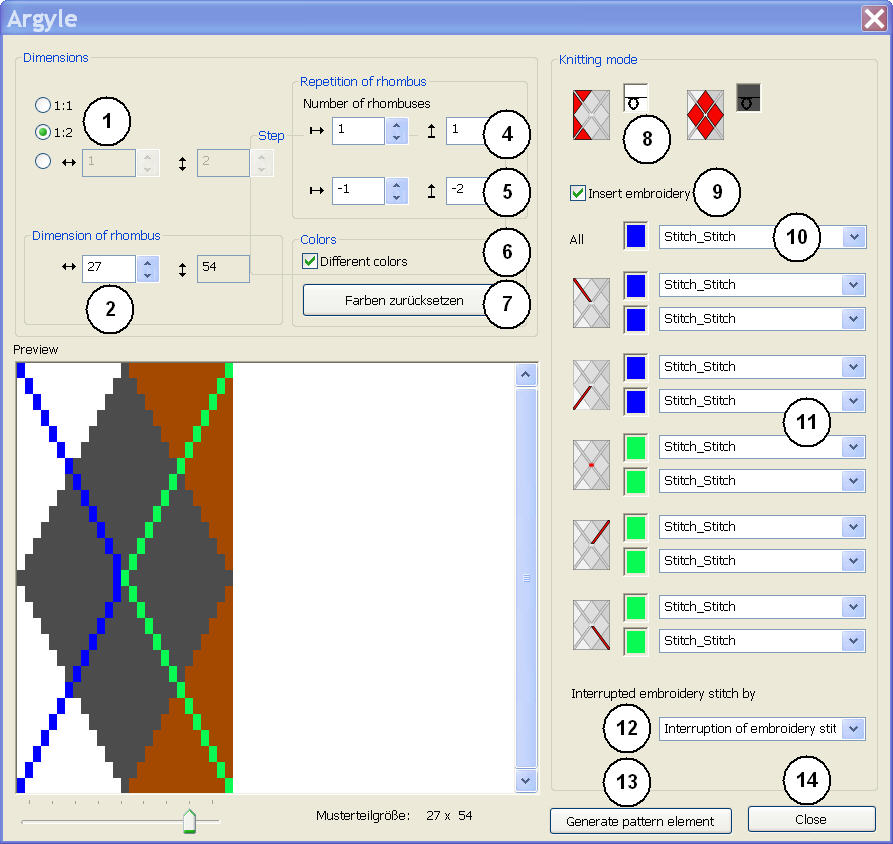
No. | Function | |||||||||||||
|---|---|---|---|---|---|---|---|---|---|---|---|---|---|---|
1 | Colors | |||||||||||||
| Display diamonds and surrounding area with the same colors from the Yarn color palette |
| ||||||||||||
| Display diamonds and surrounding area with different colors from the Yarn color palette |
| ||||||||||||
| Display diamonds and surrounding area with different colors from the Yarn carrier color palette and select the desired Color Arrangement in the list field
|
| ||||||||||||
2 | Reset colors | Only possible with the
| ||||||||||||
List field | Only possible with the List field appears in order to select the desired Color Arrangement:
| |||||||||||||
3 | Size of repetitions Define the width of the diamond
| |||||||||||||
| In stitches | |||||||||||||
’’ | In inches | |||||||||||||
4 | Repetitions | |||||||||||||
Quantity |
| Define the number of diamonds in the width | ||||||||||||
| Define the number of diamonds in the height | |||||||||||||
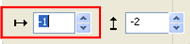
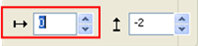
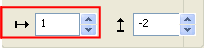
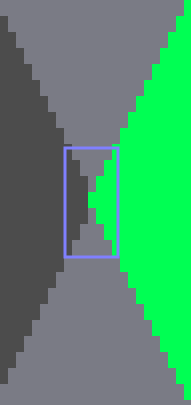
Distance | Define the distance between the diamonds in width and height | |||||||||||||
Distance in width | ||||||||||||||
|
|
| ||||||||||||
|
|
| ||||||||||||
Distance in height | ||||||||||||||
|
|
| ||||||||||||
|
|
| ||||||||||||
5 | Diamond | |||||||||||||
|
| Define color and needle action for the surrounding of the diamond | ||||||||||||
|
| Define color and needle action for the diamond | ||||||||||||
6 | List field for
| |||||||||||||
Diamond Type 1 (Standard) |
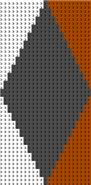
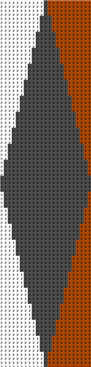
Resultat: Each diamond is knitted completely in width. | |||||||||||||
Diamond Type 1 asymmetrical |
| |||||||||||||
Diamond Type2 |
Resultat: The second diamond is not knitted completely in width. | |||||||||||||
Diamond Type 2 asymmetrical |
| |||||||||||||
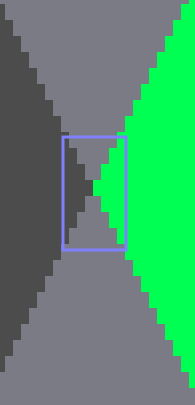
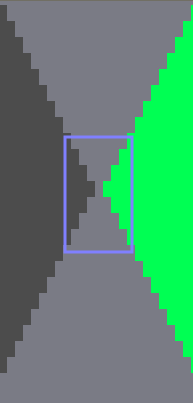
7 | Definition of the stepping at a width : height ratio by stitches | |||||||||||||
| Stepping at a ratio of 1 : 1 |
| ||||||||||||
| Stepping at a ratio of 1 : 2 |
| ||||||||||||
| Specification of any desired stepping |
| ||||||||||||
8 | Ornamental Stitch | |||||||||||||
| An embroidery stitch (diagonal) is inserted | |||||||||||||
| No embroidery stitch is inserted. | |||||||||||||
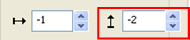
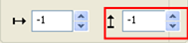
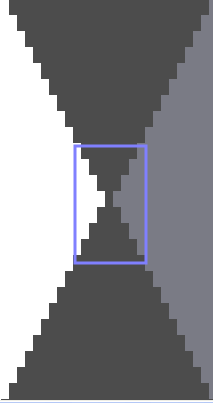
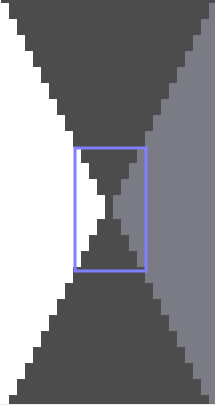
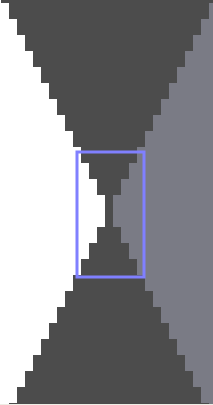
9 | Shift the embroidery stitch (diagonal) | |||||||||||||
| Shifting in width (horizontally) by x needles | |||||||||||||
| Shifting in height (vertically) by x rows | |||||||||||||
10 | The setting is valid for all the embroidery stitch elements | |||||||||||||
| Possibilities:
| |||||||||||||
List field | Select a Jacquard | |||||||||||||
11 |
|
| Specification for the individual embroidery stitch elements:
| |||||||||||
|
| |||||||||||||
| Specification for embroidery stitch cross-over (= continuous ornamental stitch) | |||||||||||||
12 | Specify the interruption of the ornamental stitch color | |||||||||||||
List field | Select a Jacquard
| |||||||||||||
13 | Linear regulator for zooming the preview | |||||||||||||
14 | Resetting to Stoll defaults:
| |||||||||||||
15 | Generate pattern element without closing the dialog box Resultat: The pattern element is saved under local modules and pattern elements | |||||||||||||
16 | Close dialog box | |||||||||||||
 Same colors
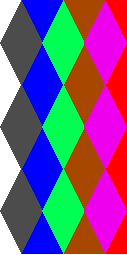
 : Only possible with a diamond width of at least 6,2 inches and for a specific number of yarn carrier colors.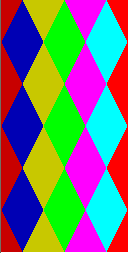








 .
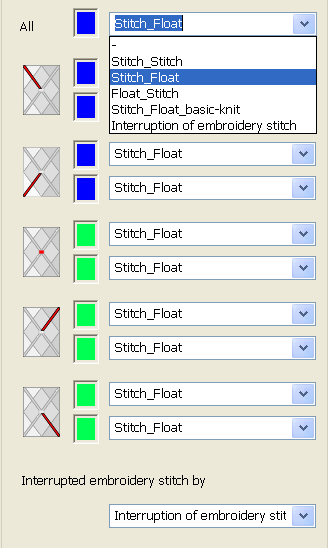
.II. Selection possibilities for embroidery stitch elements and interruption embroidery stitch
|
| Selection | Symbolism | Knitting sequence |
|---|---|---|---|
| -- | No jacquard is inserted
| |
Stitch_Stitch |
|
| |
Stitch_Float |
|
| |
Float_Stitch |
|
| |
Stitch_Float_basic-knit |
|
| |
Interruption ornamental stitch |
|
| |
Float_Stitch_Basic_knitting_mode |
|
| |