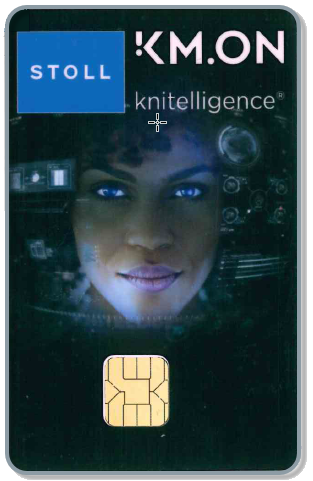
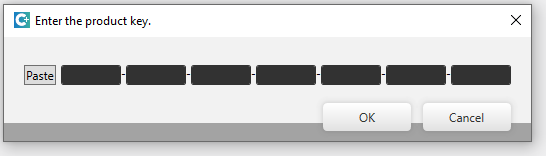
If your STOLL KM.ON Smart Card has no license or an invalid license, this input window appears. - or - Open the input window purposefully. File ribbon / Support / Enter Product Key
button
3
Compare the serial number of the Smart Card in the input window with the one in the e-mail.
4
Copy the credit code to the clipboard.
5
Click the Paste button at left of the edit boxes.
6
Click the OK button.
The successful loading of the card is confirmed to you.
If the credit is not yet expired or for additional features:
7
Start the CREATE .
8
Open the input window purposefully. File ribbon / Support / Enter Product Key
button
9
Compare the serial number of the Smart Card in the Support window with the one in the e-mail.
10
Copy the credit code to the clipboard.
11
Click the Paste button at left of the edit boxes.
12
Click the OK button.
The successful loading of the card is confirmed to you.