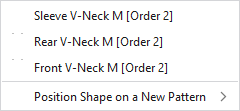
Context menu on the shape
|
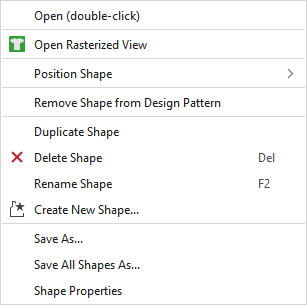
Ouvrir (double clic) |
Opens the shape. |
|
|
Opens a new rasterized view of the shape.
|
|
Positionner la coupe |
Positions the shape on an available or a newly created pattern. |
|
Supprimer la coupe du dessin de conception |
Removes the shape from the design pattern. |
|
Dupliquer la coupe |
Duplicates the shape. |
|
|
Deletes the shape. |
|
Renommer la coupe |
Rename the shape. |
|
|
Create a new shape. |
|
Enregistrer sous... |
Saves the shape in any file. |
|
Enregistrer toutes les coupes sous... |
Saves all the shapes in any file. |
|
Caractéristiques |
Opens the window with the shape properties. |

 Especially helpful for the expanded view of