Argyle
Argyle Dialog Box
起头 -> 对话 ->  Argyle
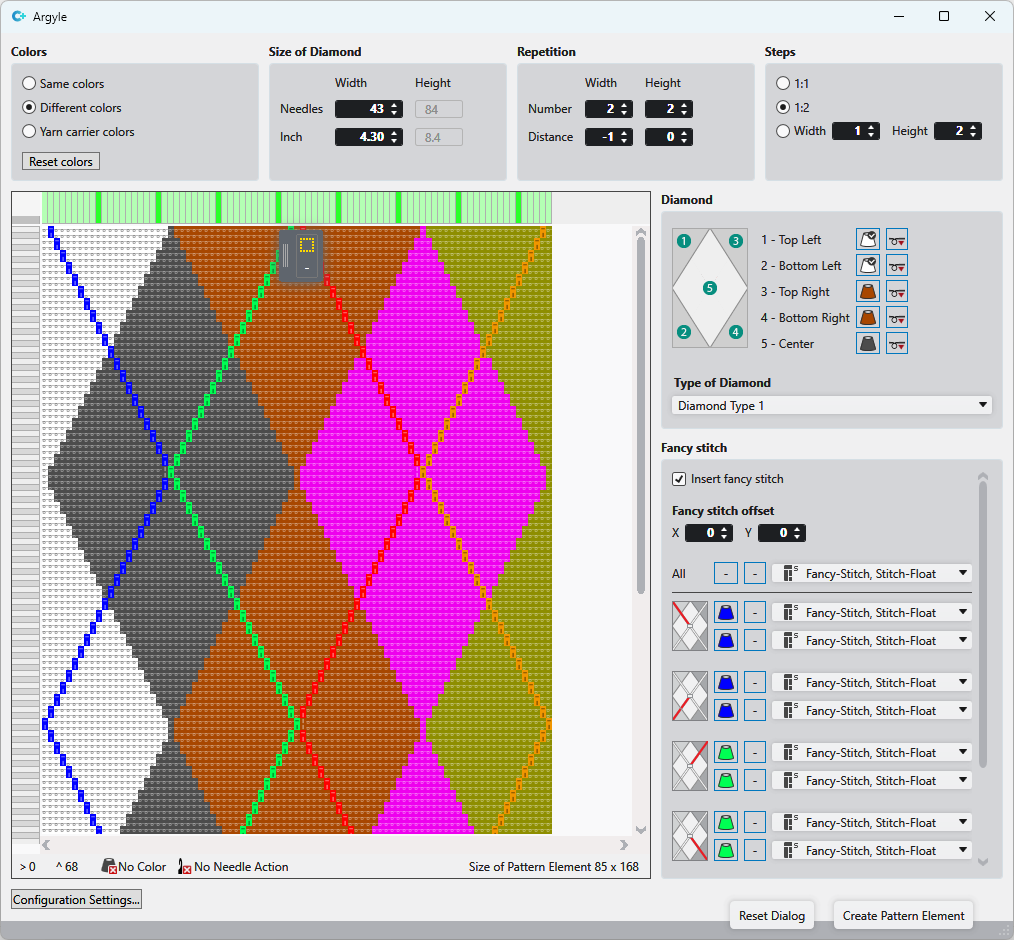
Make the following settings in the Argyle dialog box:
|
Colors |
Make general settings for the colors of the diamonds.
| |
|
Dimension of Diamonds |
Define the size of the diamonds. | |
|
Repetitions |
Select the quantity of diamonds in width and height. Enter the distance of diamonds to each other. | |
|
Stepping |
Define step width and height. | |
|
Diamond |
| |
|
Fancy Stitch |
Specify the color, needle action and knitting sequence for each area of the fancy stitch. | |
|
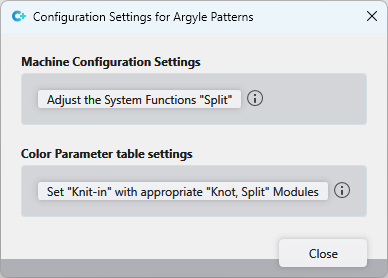
Configuration Settings... |
Opens the Configuration Settings dialog box for Argyle patterns.
| |
|
Set the 'Split' System Functions |
The 'Split' system function is enabled in the machine configuration for all systems at the rear. | |
|
Set 'Knit-in' with appropriate 'Knot, Split' Modules |
Modules with knitting technic 'Knot, Split' are set in the color parameter table for knitting-in. | |
|
Create Pattern Element |
After you have made all the settings, get the pattern element created from the diamonds and draw it into the pattern. | |
 If you enable yarn carrier colors, select the desired CA in the drop-down menu for it.