System Functions
System Functions Section
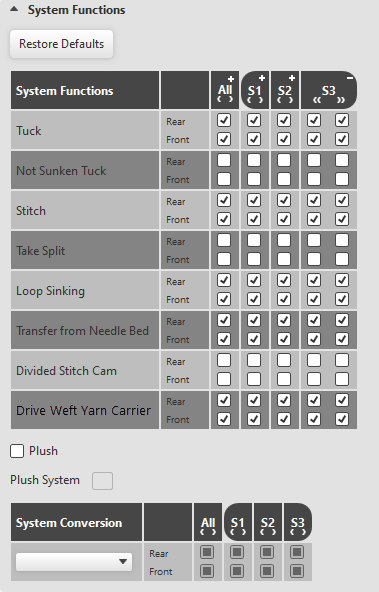
Set the different available functions for every knitting system on every needle bed.
|
Restore Defaults |
Resets the settings to the default values. |
|
System Functions |
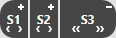
Make settings per system, carriage direction and needle bed for the following selection: Tuck Not Sunken Tuck Stitch Take Split Loop Sinking Transfer from Needle Bed Divided Stitch Cam Drive Weft Yarn Carrier With machines with additional bed appears the selection: |
|
All |
Enter settings for all systems Click on the + to set the presentation to separated according to carriage direction. Click on the - to set the presentation to in both carriage directions. |
|
S1 – Sx |
Settings for the respective system |
|
|
Activate the check box, when the plush technique is to be used to knit.
|
|
Plush System |
Shows the systems that can work with plush. |
|
System Conversion |
You have these options for a system conversion depending on the selected machine: |
|
Holding-deep by Tuck Function
| |
|
Devoré (1 system)
| |
|
FlexPly The FlexPly knitting technique essentially corresponds to the Devoré technique executed on both needle beds in the same system.
|



 The selection

 Systems converted for