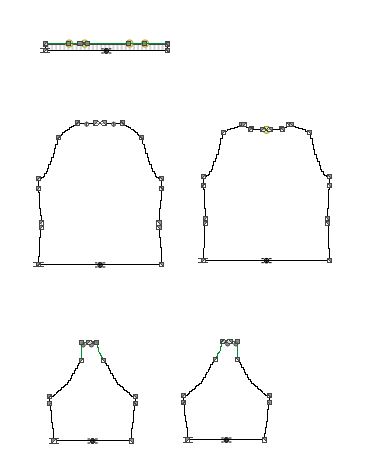
Adapt the Dimensions
Enter the length values of the dimensions in the Dimensions table according to the order.
Dimensions
|
Dimension |
cm |
|---|---|
|
Length |
57 |
|
Waist Distance |
42 |
|
Waist Length |
2 |
|
Shoulder Drop |
3 |
|
Neck Drop at the Front |
5 |
|
Neck Drop at the Back |
2 |
|
Body Width at the Waistband |
48 |
|
Waist Width |
46 |
|
Chest Width |
48 |
|
Neck Width |
20 |
|
Hanging Stitches, Shoulder |
1 |
|
Sleeve Length |
15 |
|
Without Widening in the Sleeve |
3 |
|
Sleeve Width at the Cuff |
12 |
|
Upper Sleeve Width |
16 |
|
Saddle Width at the Front |
4 |
|
Saddle Width at the Back |
2 |
|
Waistband Height of the Body |
0 |
|
Cuff Height |
0 |
- 1
- Select the
 symbol in the Parameter ribbon.
 - The Measure Table tool window appears.
- 2
- Go to the Waist Length row in the Dimensions table.
- 3
- Enter the specified value 2 in the M* column.
- The position of the shape points adjust to the new dimension.