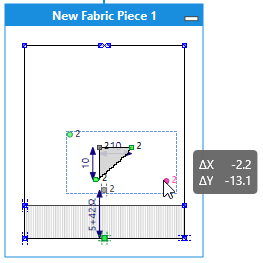
How to group points
- At least 3 points are selected.
- Not more than 2 of the selected points each are horizontally or vertically dimensioned
- None of the selected points is mirrored
- Select the desired points.
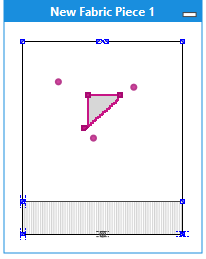
- Call up
 in the group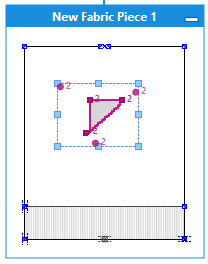
- Move the group by a mouse gesture.
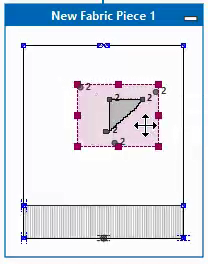
- Align the group relative to the center point of the fabric piece.

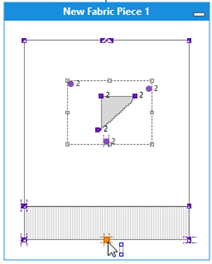
- Dimension the group horizontally 15 cm above the center point.

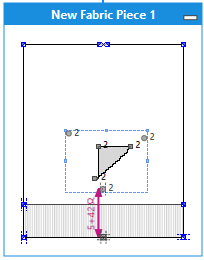
- Add a vertical dimensioning within the group to avoid scaling the width.

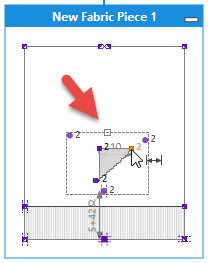
- Only one handle is available at the top of the frame of group.
- Add a horizontal dimensioning within the group to avoid scaling the height.
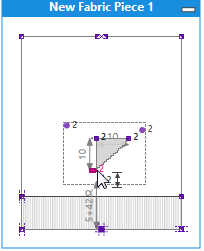
- No handle is available at the frame of group.
- The size of the shape element is specified by dimensions.
- The position of the group, and therefore of the shape element as well, is related to the center point.

Moving Grouped Points
You can move grouped points by the SHIFT + CTRL key combination.