Improvements for Working with CA
Drawing tool Move
- Move columns or cells horizontally.
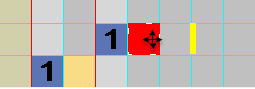
- The reference row column is prevented from moving horizontally
- The complete color column can be moved horizontally.
- Moving
- A selection can be cut-out and pasted at another position by CTRL + X. You can draw-in at several positions.
Jacquard Symbols within the Search Color of a CA
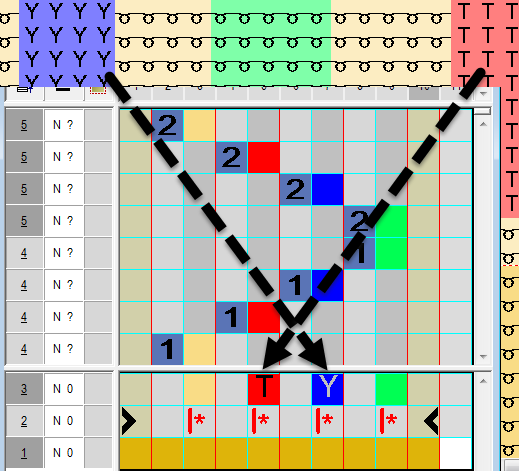
- Jacquard symbols will be shown in the search color when generating a CA from a selection.
- The Jacquard symbols can be applied to the CA using Drag&Drop.
- However, these symbols are not considered when expanding!
Only the corresponding color will be searched for.
Racking specifications of the module in the CA
- When drawing-in a module, the racking specification of the module will directly be applied to the CA.