Generate a new Jacquard area and increase the color quantity
You can add additional colors to jacquard areas even without enlarging the jacquard areas by this colors.
How to generate a single-color Jacquard area and increase the number of colors:
- 1
- Select the single-color area in the pattern to which a jacquard is to be allocated.
- 2
- Open the Jacquards dialog box with the function in the menu.
 is selected by default.
- 3
- Select the desired jacquard generator or the desired jacquard module in the window of the section.
- 4
- Click the Apply button.
- The new jacquard is displayed in the listing.
- 5
- Select the new jacquard area in the listing.
- becomes automatically active.
- The new jacquard appears in the display of the yarn colors.
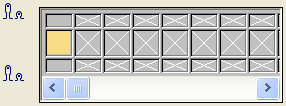
- 6
- Activate the option
- 7
- In the pattern, select the adjacent color that is to be allocated to the jacquard area (F6)
- 8
- Click on a field next to the color.
- The selected color is added.
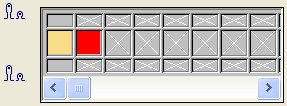
- 9
- Confirm the dialog box with OK and close it.
- 10
- The adjacent color (red) is knitted with the selected jacquard type on the back of the jacquard area.
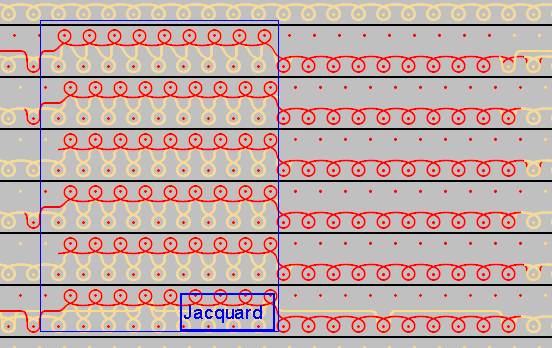
As this color is not present in the jacquard area of the pattern, the color only works on the back.