Step 4: Generate k&w file
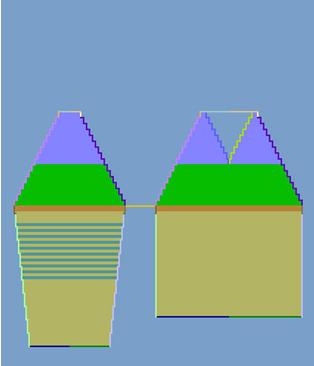
For generating the k&w file, the k&w arrangements must be determined.
Determine k&w arrangements

- 1
- Press the Determine k&w arrangements button.
|
Key |
Function |
|---|---|
|
Determine k&w arrangements |
By pressing the Determine k&w arrangements button, the shapes are checked and the corresponding knitting sequences are entered in the k&w file. |
- 2
- After determining save the kaw file via the / menu or using
 .
. - 3
- Close the Shapewizard dialog box.
Initialize
When changing the settings or correcting the shape, the k&w file must be newly determined.
|
Key |
Function |
|---|---|
|
Initialize |
The determined k&w arrangements are deleted and the shape parts are reloaded. |
- 1
- Determine newly the k&w arrangements
- 2
- Save the k&w file again.
- 3
- Close the Shapewizard dialog box.
To the next step 4: Create basic k&w pattern