Generate Jacquard Modules of Your Own
I. Generate Jacquard modules of your own:
- 1
- Call up the dialog box via the / / Jacquard Module... menu.
- 2
- Define the specifications:
- Jacquard module name
- Number of Jacquard colors: 3 without relief
- Pattern rows: 2
- Columns: 2
- Knitting mode: Stripe Back
- 3
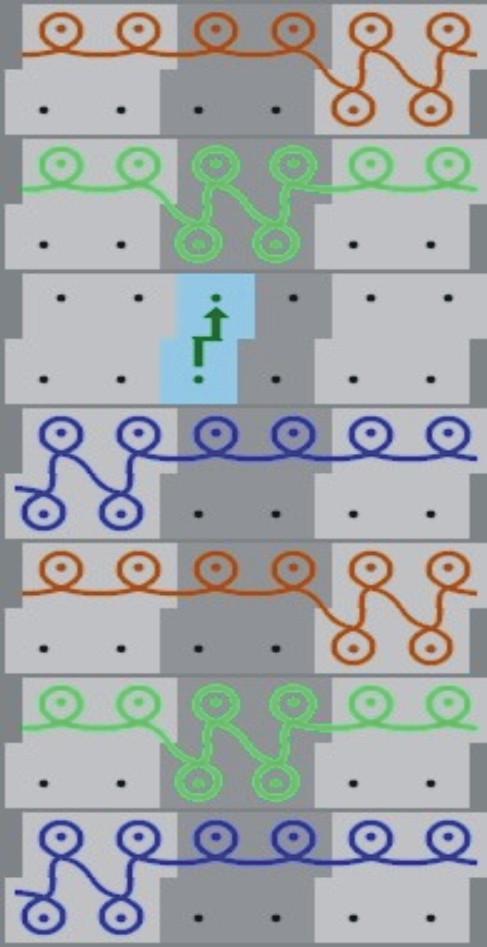
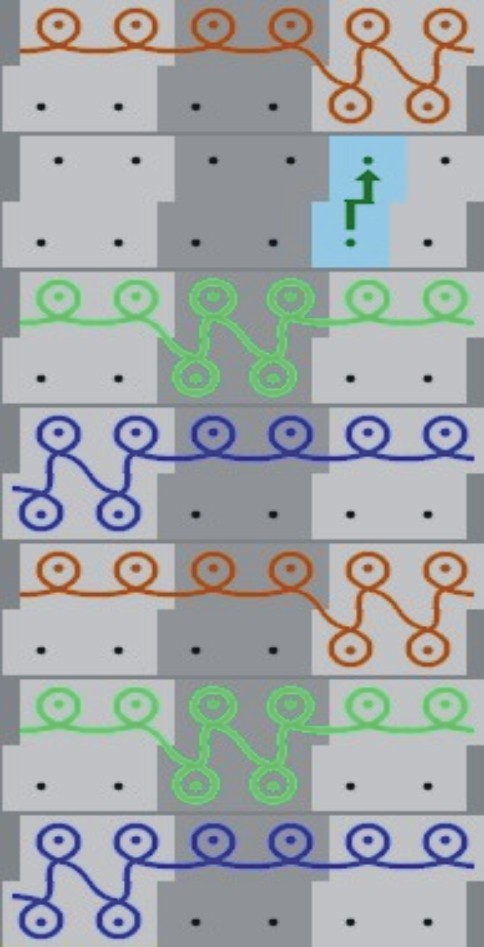
- Draw the knitting procedure with
 pencil and needle actions in the Module Editor:
- Front stitch - Rear stitch

- Rear stitch (without transfer)

- For the relief stitches: Front stitch - Back stitch with transfer toward back

You need not select a pattern color for drawing.
- 4
- Allocate the stitch length from the stitch length table to the stitch line.
|
Module 1 |
Module 2 |
|---|---|
|
|
|
- 5
- Save the modules to the Module Explorer of Database.
- 6
- Save to Jacquard / Private / noname X / X-colored.