Generate Jacquard Module
I. Generate a Relief Jacquard module:
- 1
- Call up the Jacquard Module Definition dialog box via the / / menu.
- 2
- Make settings:
- Jacquard module name
- Number of Jacquard colors: 2
- Activate the
 checkbox.
 - Pattern rows: 1
- Columns: 2
- Knitting mode: Jac net
- Jacquard picture is knitted on: front needle bed
- 3
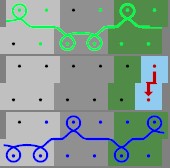
- Draw the knitting procedure with
 and needle actions in the Module Editor.
|
Module for jacquard with relief |
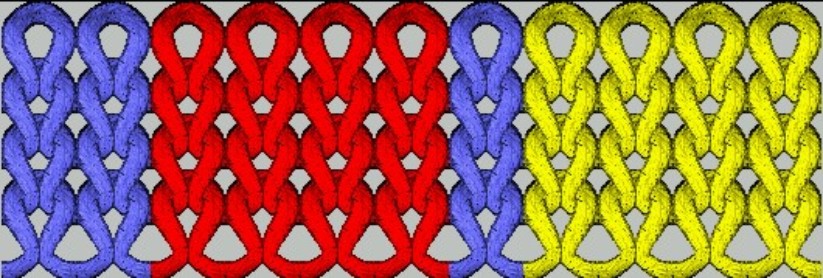
Generating the motif |
|---|---|
|
|
|
- 4
- Allocate the stitch length from the stitch length table to the Jacquard module.
- 5
- Change racking position if necessary (default: VN).
- 6
- Close the
 Jacquard Module Editor with .
 - 7
- The Properties of:... dialog box appears.
- 8
- Define the pattern related settings in the , and tabs.
- The module will be saved in the Module Explorer of Database in New Modules.
- 9
- Save the module to Jacquard / Private / noname1 / X-colored.
Pattern example:
2 (Jacquard color) + 1 (Relief color) = 3 color.
I.e. allocate the module under Jacquard / Private / noname1 / 3-color.
With jacquard modules with relief one color is always the relief color, i.e. one color of the motif is used for transfer. It will disappear from the motif after positioning the Jacquard module.
Rule: Total number of colors of the module = number of jacquard colors + relief color.