Generate Color Arrangements
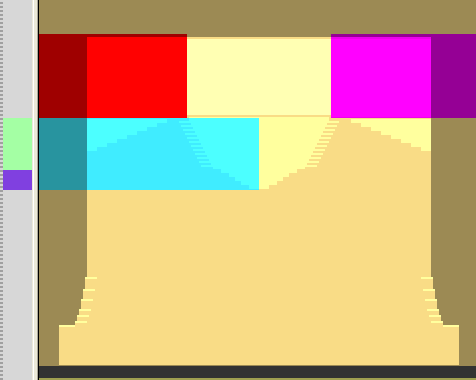
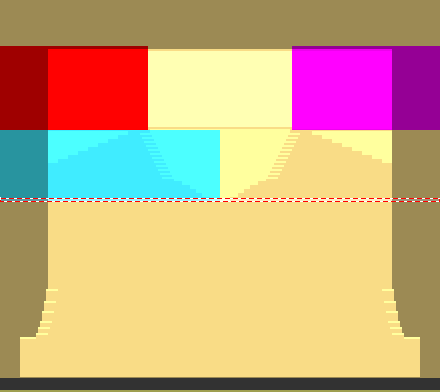
I : Generate a Color Arrangement for area without narrowing within the neck gore:
- 1
- Select to pattern rows starting at the start of the neckline.
- 2
- Click
 .
. - 3
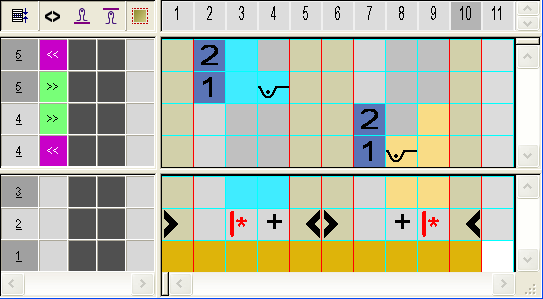
- Edit the knitting process within the CA:
- Draw in the binding for the neck gore with the Front Tuck needle action.
- Enter the + symbol for excess width in the search area.
II. Generate a Color Arrangement for the area with narrowing and shoulder gore within the neck gore:
- 1
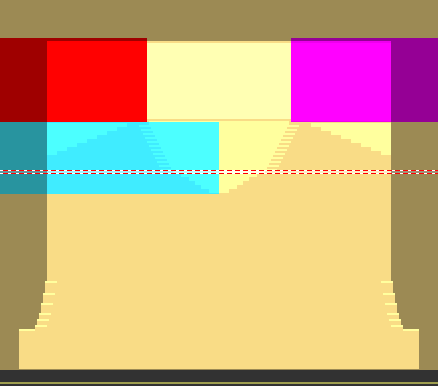
- Select two pattern rows starting with the start of the narrowings.
- 2
- Click .
- 3
- Draw in the knitting sequence in the CA:
- Front stitch needle action as structure of the neck gore
- Front tuck needle action for the shoulder gore
- Enter the reference row number in rows without knitting specification as well.
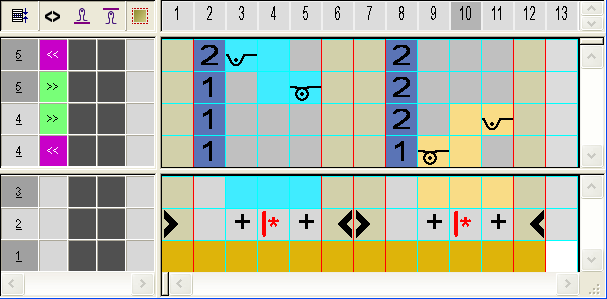
Due to the reference row numbers entered in rows without knitting specifications, the shape edges will be inserted in those rows with their corresponding shape data (= edge color).
III. Insert Color Arrangements:
- 1
- Draw in the Color Arrangements into the control columns in the area of the neckline.
- CA1: for the neckline without narrowing
- CA2: for the neckline with narrowing and shoulder gore