Draw basic pattern
I. Draw motif and define plating colors
- 1
- In the basic pattern draw-in the desired motif with further yarn colors.
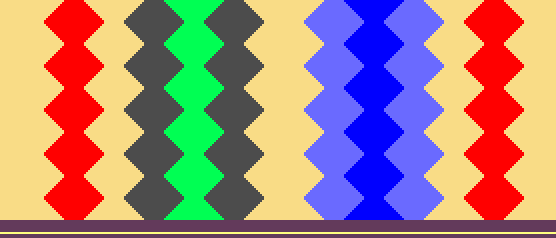
In two areas of the pattern it is to be worked with inverse plating.
For each of these areas there are to be drawn-in 2 different yarn colors, which are used for defining the plating colors.
- 2
- Open the Plating dialog box with
 .
. - 3
- In the dialog box enter the used motif colors in one of the four columns.
- A total of 4 plating colors (2 colors for each area) are to be generated.
- 4
- Position the cursor in the area of the four columns of the dialog box and call up the menu with the right mouse button.
- The Plating table with the Plating Offset values (YPI) and the default values will be displayed.
- 5
- Select the desired YPI index from the table.
- 6
- Position the cursor on the corresponding motif color and click on it with the left mouse button.
- The index will be allocated to the motif color (following yarn carrier).
- 7
- Allocate YPI indices also to all the other motif colors.
- 8
- Enter the settings for the selected YDI index in the table.
It is recommended to use a different YDI index for each area of the Inverse Plating.
Result:

The generated plating colors are required in the pattern for the areas with inverse plating.