Generate Color Arrangement
Generate a Color Arrangement for separate stroke and stitch length
- 1
- Select the pattern in the entire height.
- 2
- Click the
 button.
- The Color Arrangement Editor will be opened.
- 3
- Modify the Color Arrangement:
- Adapt the knitting sequence
- Combining the yarn carriers (all yarn carrier main colors) to to two systems
- The sub-colors (for different stitch length) are combined to one system
- In the
 control columns draw-in other stitch lengths.
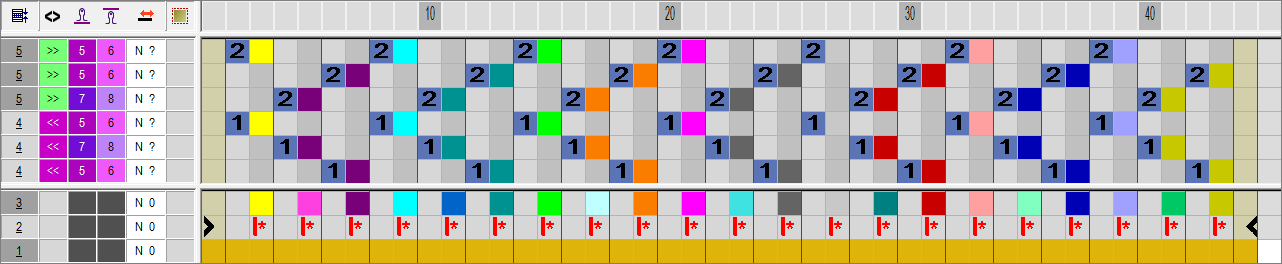
A yarn carrier main color (RL) and a sub-color (RR) will be used as search color in the basic pattern. The yarn carrier main color (SJ+DJ) will be used in the executing area of the Color Arrangement.
- 4
- Close the Color Arrangement Editor with
 .
.
- The CA is saved and the color entry is entered in the
 control column.
Neckline: Color Arrangement after technical processing:
