Generate Pattern without Shape
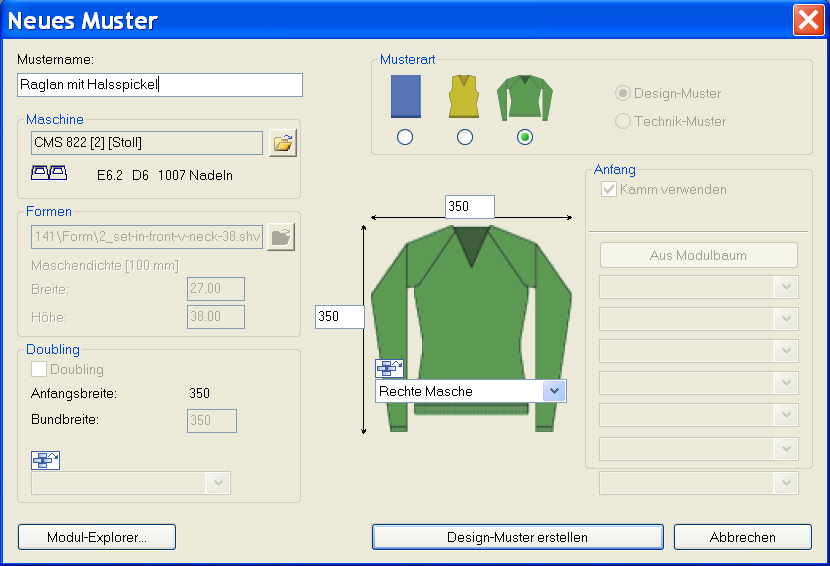
I. Generate new pattern:
- 1
- Select / from the menu bar.
- or -
Click the icon.
icon.
|
Setting |
Meaning |
|---|---|
|
Design Pattern |
Pattern programing on the M1plus with the new functions |
|
Technical Pattern |
Not possible for generating k&w patterns |
- 2
- Enter a pattern name.
- 3
- Select machine type.
- 4
- Select k&w pattern.
The k&w pattern type is in the mode available only.
- 5
- Enter height and width of the pattern field.
Height: 350
Width: 350
With k&w knitting technique, the size of the pattern field is automatically doubled in height and width.
- 6
- Select the binding for the basic pattern via the selection list.
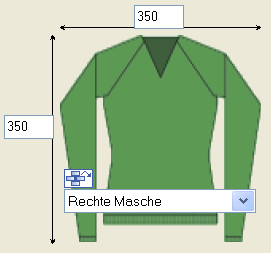
You can not select a start for the k&w pattern at the beginning.
The start will be inserted with the  processing step.
- 7
- Confirm the settings with the Generate Design Pattern button.
- The Symbol View [Basic] in the k&w presentation appears.
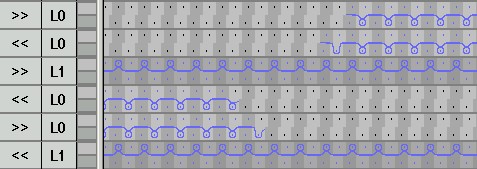
II. Presentation of the knitting layers:
|
Symbol View [Basic] |
Technical view after expanding |
|---|---|
|
|
|
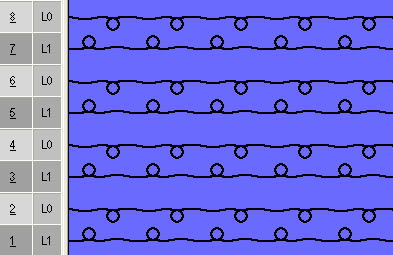
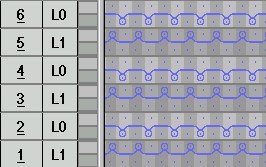
- 1
- Select the desired presentation in the Pattern Presentation k&w toolbar.


|
Symbol |
Property | |
|---|---|---|
|
|
All layers |
Presentation of the front L0 and the back L1 layer. |
|
|
Knitting layer L0 |
Presentation of the layer L0 with all needles (1x1 technique) |
|
|
Knitting layer L1 |
Presentation of the layer L1 with all needles (1x1 technique) |
|
|
Display the columns of the knitting layer L0 only |
Presentation of the knitting needles of the front layer L0. |
|
|
Display the columns of the knitting layer L1 only |
Presentation of the knitting needles of the back layer L1 |
III. Knitting cycle neck gore: