Knitting Zones k&w tab
I. Settings when cutting out:
On the Knitting Zones k&w tab you can select different settings for cutting out.
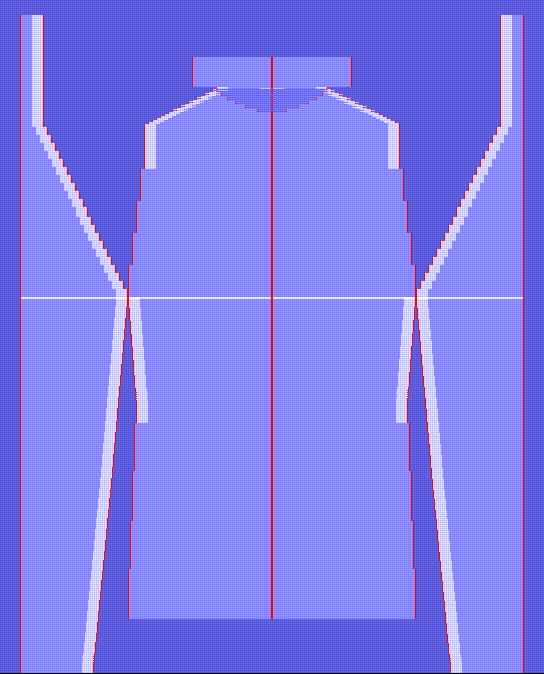
- Cut folded out
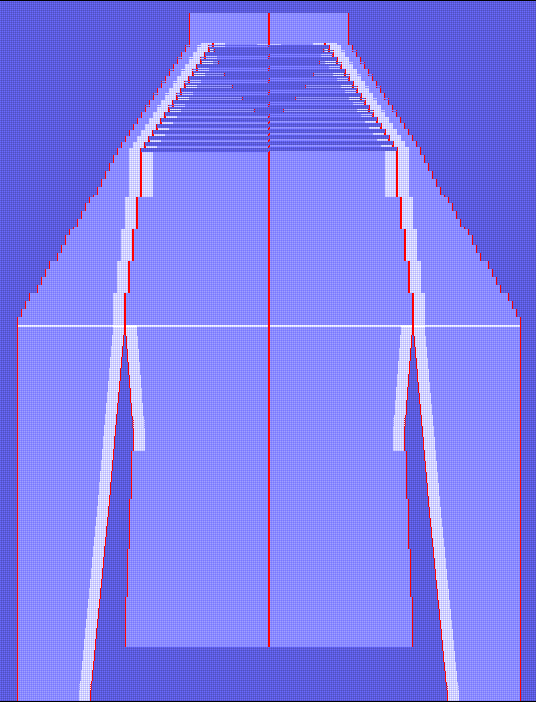
- Cut folded in
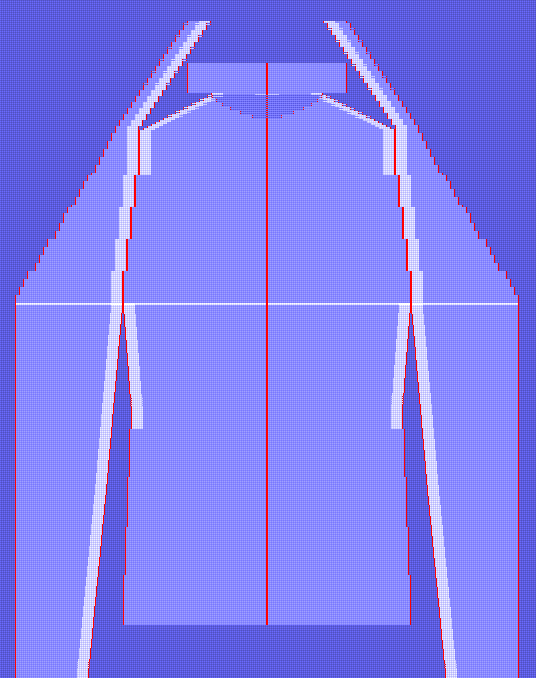
- Cut folded in without length compensation.
Presentation types before cutting out:
|
Cut folded out |
Cut folded in |
Cut folded in without length compensation |
|---|---|---|
|
|
|
|
|
With this setting, the k&w shapes with sleeves folded out are cut from the basic pattern. |
With this setting, the k&w shapes are cut out with the sleeves folded in above the sleeve-body connection, with a length compensation between the sleeves and the body. |
With this setting, the k&w shapes are cut out with sleeves folded in above the sleeve-body connection, without length compensation. |
II. Body-Sleeve distance
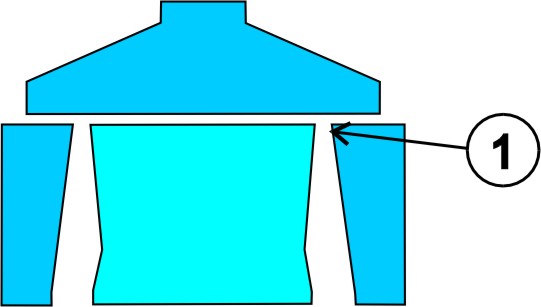
For the production of the fabric pieces, a distance of the yarn carriers must be ensured between the sleeve and the body.
- 1
- Specify the intermediate spacing for the yarn carriers on the Knitting Zones k&w tab under Body-Sleeve distance.
- 2
- Specify the Distance of transferring inward (needles) (1) of the sleeve body connection in the input field.
The number of needles depends on the number / positions of the yarn carriers.