Position and cut-out the shape and expand the pattern
I. Position the shape:
- The shape with k&w Arrangements is located on the pattern after Open k&w shapes.
- 1
- Position the elements sleeve vertically on the motif with the selected icon
 and the left mouse button pressed.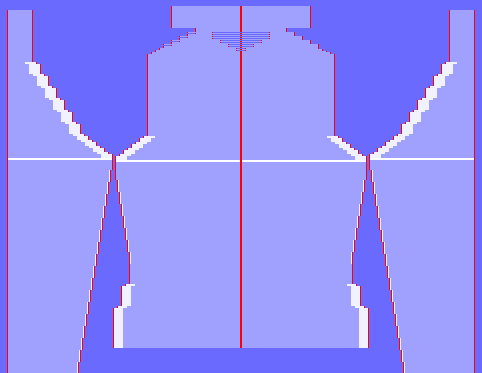
- 2
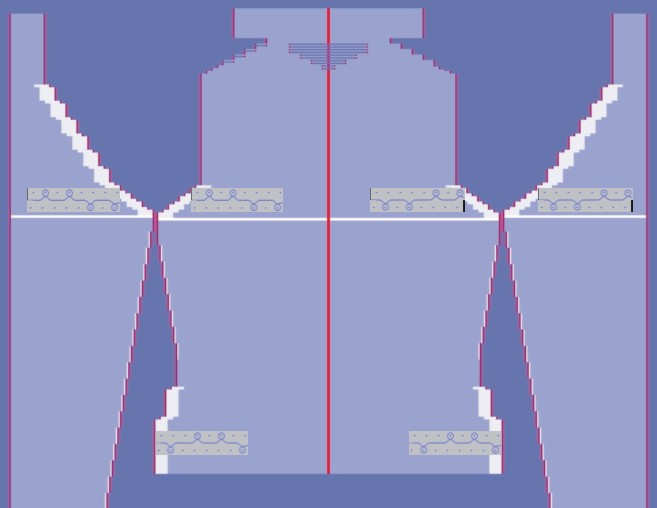
- Position the elements body and sleeve horizontally in the basic pattern.
- The 2x2-RL rib runs continuously from the body to the sleeves.
II. Cut-out the shape:
You can make pattern related settings in the Configuration k&w dialog box before cutting out.
- 1
- Cut out the shape with
 in the Steps of Processing toolbar.
- The k&w Options for Cut out dialog box appears.
- 2
- Confirm with OK.
- The Insert/Replace k&w Start dialog box appears.
- 3
- Select a k&w_2x2 start.
- 4
- Confirm with OK.
III. Expand the pattern:
- 1
- Expand the pattern with
 of the Steps of Processing toolbar.
- The Correction of Widening dialog box appears.
- 2
- Confirm with Yes.
- The shape edges with the Widening attribute are corrected.
The bind-off module for the collar is inserted.