Shape Wizard: Determine Docking Points and k&w Arrangements
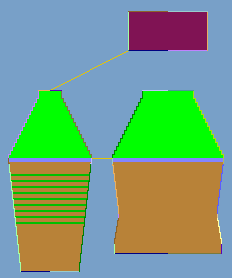
Press the Ctrl key while specifying the docking points, in order to jump with the cursor automatically to the nearest edge start or edge end.
- 1
- Click in the pattern with the left mouse button and hold it.
- 2
- Move the cursor in the element to be connected and specify the end position of the connection, then release the left mouse button.
- 3
- Change the position by a manual entry in the Docking Points dialog box in order to correct a docking point.
- or -
Press to delete a connection.
II. k&w-Form ermitteln:
- 1
- Taste k&w Arrangements ermitteln drücken.
- 2
- Anschließend über das Menü / die Form als kaw-Datei speichern.
- 3
- Den Dialog Shapewizard schließen.