Draw the structure
Draw a single jersey structure and a cable:
- 1
- Select the in the Pattern Presentations toolbar.
- or -
The setting. - 2
- Draw the motif for example with the following drawing tools.
 Pencil
 Line
Line Rectangle / Square
- 3
- Select the desired needle action in the Needle Actions toolbar and draw it in the pattern.
|
Needle actions in use | ||
|---|---|---|
|
Basic pattern: |
|
|
|
|
| |
|
Structured single jersey |
| |
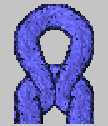
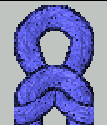


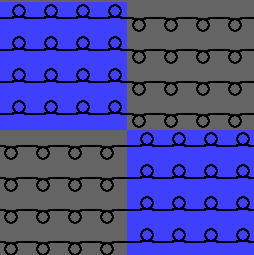
- 4
- Select the Cable 3X3< module from the Module bar and draw it in.
|
Module in use | |
|---|---|
|
Cable 3x3< |
|
|
| |
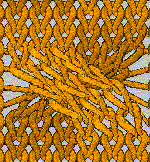
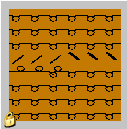
Result:
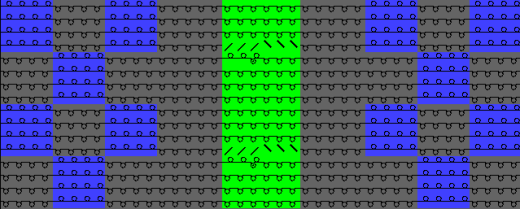
The transfer actions of the modules with a will not be displayed in the Symbol View at first.