Change stitch lengths
Use different stitch lengths within one stitch row (PTS):
- 1
- Select the pattern area, in which another stitch length is to be used.
If the area is created via the column selection, it will be necessary to take into account that the stitch length is not changed in the start.
- 2
- Allocate another (or a new) stitch length from the stitch length table to the selection.
- Select a not used entry in the stitch length table, adapt the specifications and apply to the pattern.
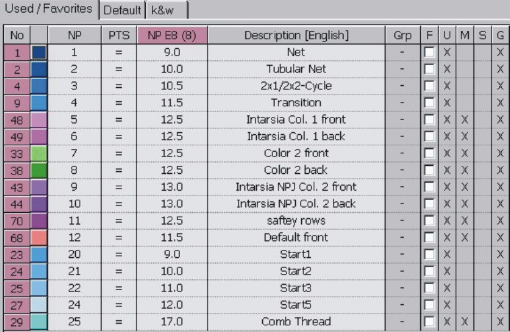
- Insert a new value in the stitch length table and define the stitch tension.
- 3
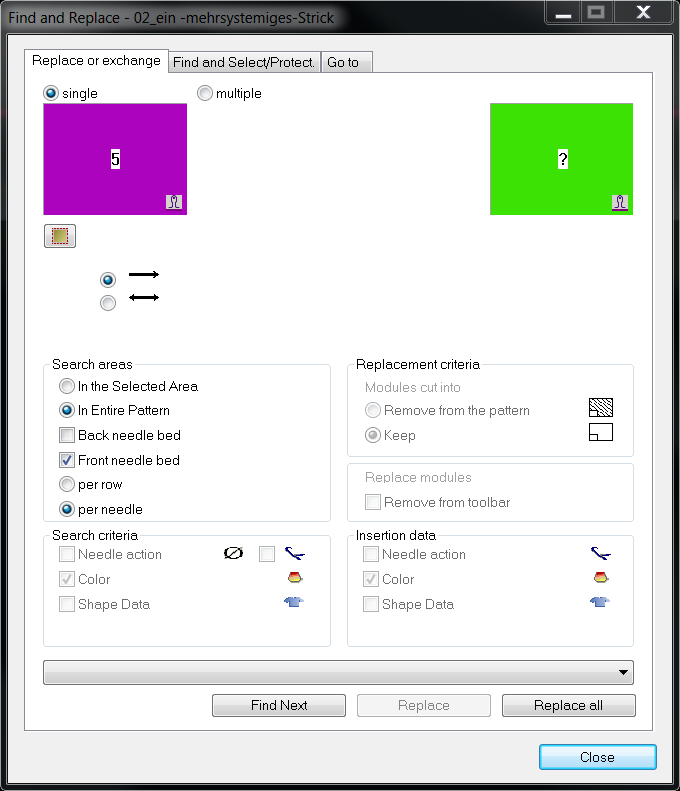
- Replace the stitch lengths via the
 drawing tool.
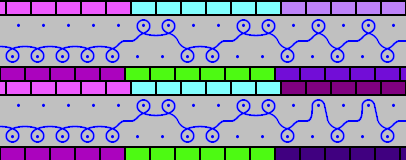
Result:
- 4
- Delete the selection with
 .
. - 5
- Open the Configuration dialog box via the / menu.
- 6
- Activate the
 checkbox in the tab under .
 - 7
- Confirm setting with OK.