Create Pattern
Create a new pattern:
- 1
- Call up / menu.
- or -
Click the icon.
icon. - 2
- Enter a pattern name.
- 3
- Select the machine type and the desired setup type.
- 4
- Select Basic pattern (pattern without shape) and .
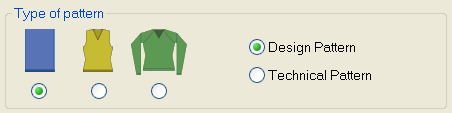
- 5
- Define the pattern size and the basic knitting mode.
- 6
- Select a start.
You can insert a start after drawing the basic pattern as well.
- 7
- Confirm the settings with Generate Design Pattern.
- The Symbol view [Basic] will be opened.
The basic pattern is presented in the yarn color (# 31).