Create and expand intarsia pattern
I. Generate the pattern:
- 1
- Generate a new pattern.
- 2
- Select Pattern without shape and .
- 3
- Draw intarsia motif with the desired yarn colors.

II. Expand pattern or display preview:
- 1
- Expand the pattern with
 of the Steps of Processing toolbar.
- You can see the knitting technique after expanding the pattern.
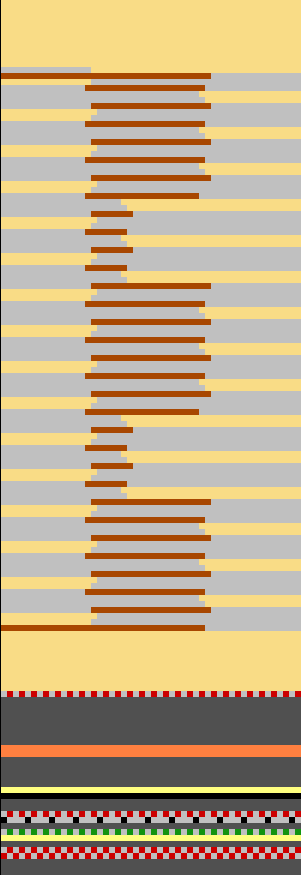
Check the processing and evaluate whether a correction or optimization is required.
You can make pattern related settings in the yarn field allocation dialog box, if necessary.
III. Requirements for pattern related changes:
- Pattern is loaded into the Basic Pattern
 state of pattern.
- 1
- Call up the
 Yarn Field Allocation dialog box with .
 - 2
- Select the desired yarn field.
- 3
- Make the settings for the selected yarn field.
- 4
- Confirm the settings in the Yarn Field Allocation dialog box with OK.
- The settings will affect the current pattern during the processing step Expand.