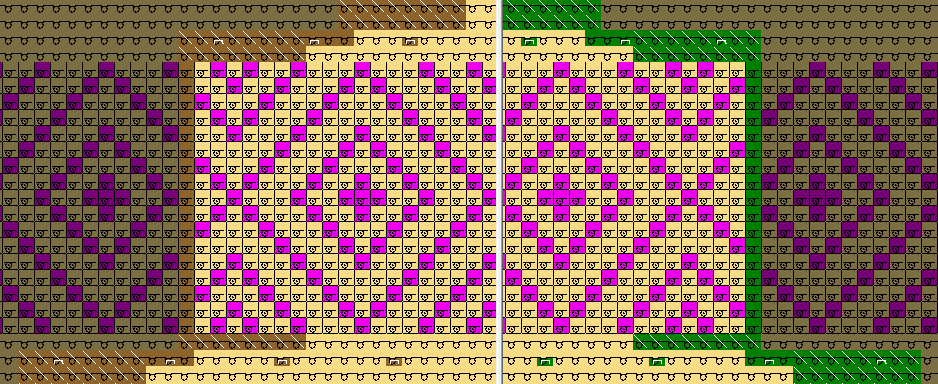
Draw the motif
- The shape is placed on the basic pattern.
- 1
- Activate
 and
and  after positioning the shape in the Symbol View [Basic].
- The narrowing markings and edge colors are displayed.

- 2
- Draw in a motif for the Float Jacquard.
When drawing the jacquard motif pay attention, that the narrowing markings are not located in the motif area. The narrowings in the jacquard area are causing the incompleteness of the motif.
- 3
- Call up the Jacquards dialog box via the / menu.
- 4
- Select the desired Jacquard generator and insert it via Apply. A Jacquard Float without Transfer is inserted in the example.
- 5
- Proceed in the same way in all further Jacquard areas.
- 6
- Close the dialog box with OK.