Editing in the Symbol View [Basic] Step by Step
Modify the measures and shape of the shape parts inside and outside the shape:
- Modify the measures and shape of the shape parts within and outside the shape:
- Widths of the individual shape parts
- Heights of the individual shape parts
- Delete the rows of the start of shape part 3, as a start from Stoll will be used.
Draw in the residual yarn areas:
- Draw in within shape in the area below shape part 2.
- Draw in within shape in the area below shape part 3.
- Draw in different colors in shape part 2:
- One color to knit the residual yarn
- One color to knit the connection between shape part 2 and shape part 1
- One color to knit the net pick-up (start) for shape part 2
- Draw in different colors in shape part 3:
- One color to knit the residual yarn
- One color to knit the connection between shape part 3 and shape part 1
- One color to knit the net pick-up (start) for shape part 3
Draw in gore in the shoulder area and the structure:
- Draw in goring in shape part 1 with yarn color #10 and the
 icon.
icon.
Example:
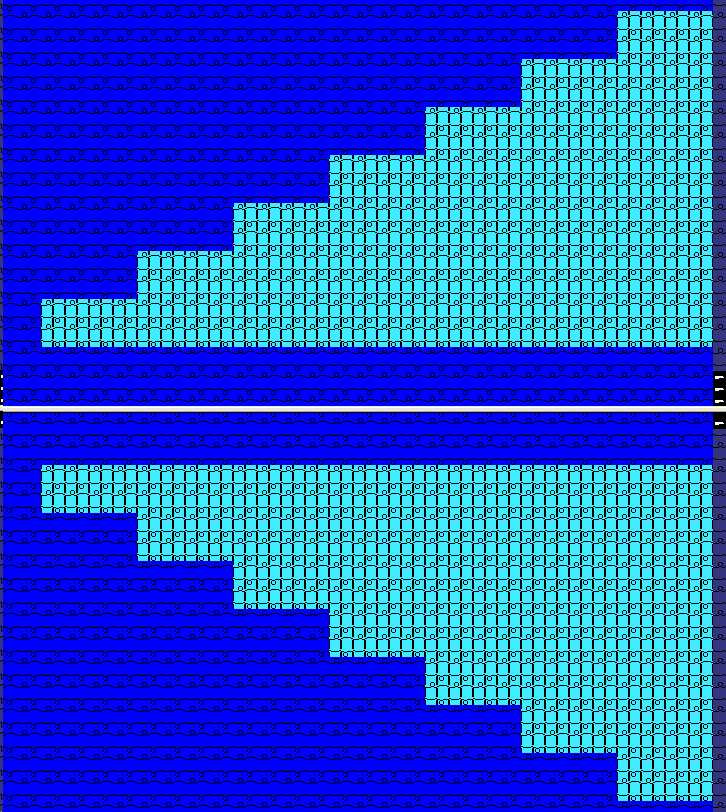
- Draw in the aligning symbol with the
 drawing tool:
  symbol between shape part 2 and shape part 1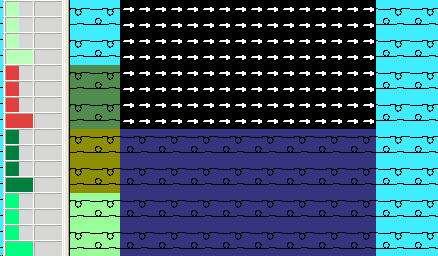
 symbol between shape part 1 and shape part 3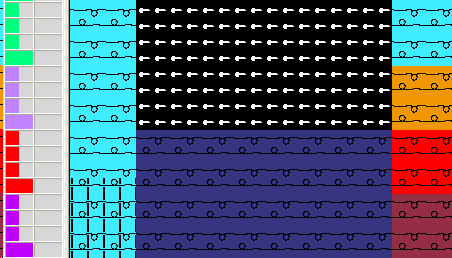
- Draw in the desired structure at the right edge of shape part 3 (corresponds to the waist).
- Draw in the desired structure at the left edge of shape part 2 (corresponds to the end of collar).
- Draw in the desired structure (aran, cable) in shape part 1.
- Draw in a rib structure (e.g. 2x2 rib) at the end of shape part 3
- Fill all shape parts with color #79 (blue) representing yarn carrier 5.
Result:
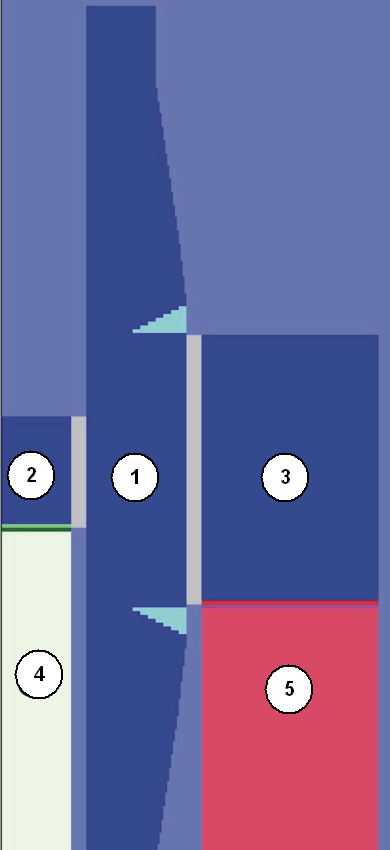
|
No. |
Meaning |
Shape Part |
|---|---|---|
|
2 |
Sleeve |
|
|
1 |
Collar |
|
|
3 |
Body |
|
|
4 |
Residual yarn below the collar |
|
|
5 |
Residual yarn below the body |


