Shapewizard: Determine k&w Arrangements
Determine k&w Arrangements:
- The front and back shape elements are loaded.
- 1
- Press Determine k&w Arrangements.
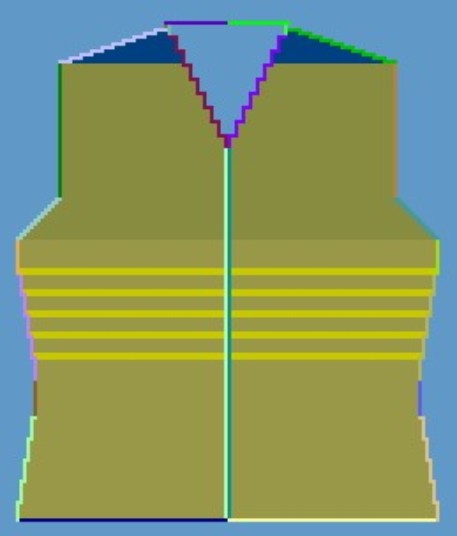
You can delete the determined k&w Arrangements with the Initialize button.
The elements of the shape (front and back) and the kaw file must all be located in the same directory.
- 2
- Close the Shapewizard dialog box.