Draw-in the k&w Arrangements manually: Inserted sleeve with V-neck
Insert k&w Arrangements in the Shape View manually:
- 1
- Open the Shape view with the
 button.
 - 2
- Select the
 key.
key. - 3
- Position the shape elements relative to one another with the left mouse button.
- The k&w Arrangement sleeve body connection can be inserted.
- 4
- Open the Module Explorer via the / menu.
- 5
- Select and insert the desired k&w Arrangement.
- 6
- Sleeve-body connection:
- k&w Arrangements / Favorites / Basic Shapes / Inserted sleeve / B1 Type 1 (no connection L0-L1).
- 7
- Insert the k&w Arrangement once in the Shape view at the position of the sleeve body connection.
- 8
- Move the length compensation:
Move the length compensation between body and sleeve with the following k&w Arrangement from the lower fabric edge to the center of the fabric.
- k&w Arrangements / Stoll / X Standard
- 9
- Use the following k&w Arrangements for the length compensation:
- k&w Arrangements / Favorites / Basic Shapes / Inserted sleeve / A1-3 tubulars.
- k&w Arrangements / Favorites / Basic Shapes / Inserted sleeve / A5-2 tubulars.
- 10
- Fill up uniformly the length difference between body and sleeve with k&w Arrangements.
- The area with k&w Arrangement X Standard will now be overwritten with the above described k&w Arrangements.
You can select the inserted knitting cycle modules and copy and paste them with Ctrl + C and Ctrl + V.
- 11
- Insert remaining narrowing:
Insert a k&w Arrangement for the remaining narrowing of the sleeve from the top to the bottom:
- k&w Arrangements / Stoll / 3 Areas / Remaining narrowing not knitting / with opening / without gore / C51 3 areas with opening (L0) 0:2:0-3Y.
|
Designation |
Presentation |
Function | |
|---|---|---|---|
|
k&w Arrangement |
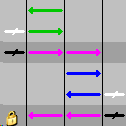
C51- 3 Areas with opening (L0) 0:2:0-3Y |
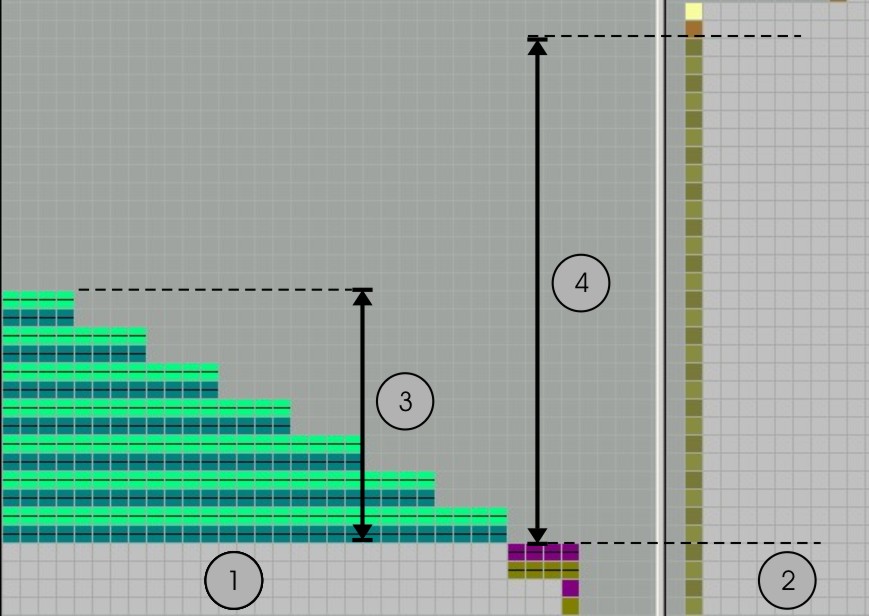
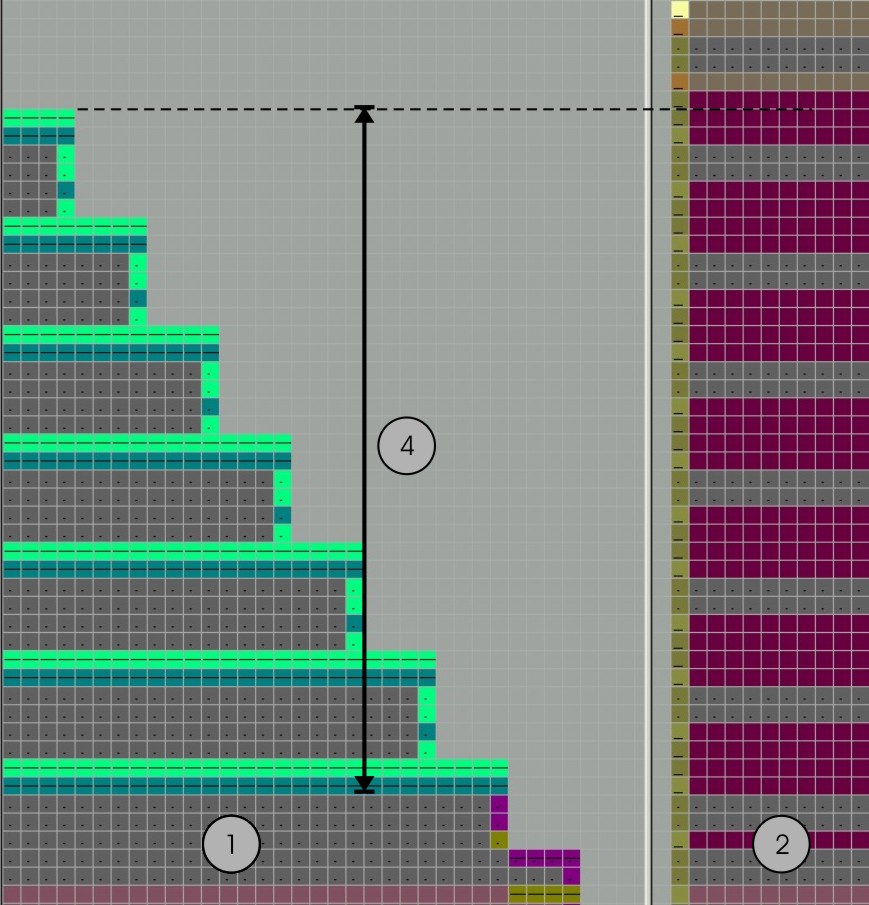
The k&w Arrangement connects the 3 areas (sleeve-body-sleeve) by knitting 2 rows in the body and narrowing without knitting the sleeves to the body. with opening (V-neck) | |
|
Shape view without k&w Arrangement |
|
1 |
Sleeve |
|
2 |
Body | ||
|
3 |
Height of the remaining narrowing | ||
|
4 |
Height of the body | ||
|
Shape view with |
|
1 |
Sleeve |
|
2 |
Body | ||
|
4 |
Height of the k&w Arrangement in stitch ratio 0:2:0 | ||
- 12
- Insert the k&w Arrangement below the remaining narrowing up to the start of the V-neck:
- k&w Arrangements / Favorites / Basic Shapes / Inserted sleeve /
C112- 3 Area with opening (L0)-1:1:1
- 13
- Insert the k&w Arrangement between the start of the V-neck and the sleeve-body connection:
- k&w Arrangements / Favorites/Basic Shape Types / Inserted sleeve / C 37-3 Areas 1:1:1
- 14
- Insert shoulder gore.
Insert the following k&w Arrangement in the area of the shoulder:
- k&w Arrangements / Stoll / 1 area / shoulder gore / with opening / without gore /
C39-shoulder gore with opening (L0) + shoulder binding-off + neck binding-off 1Y
|
Knitting cycle modules |
Name |
Function |
|---|---|---|
|
|
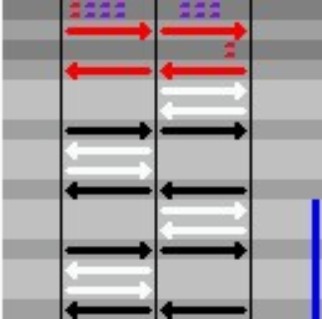
C39 Shoulder gore with opening (L0) |
Knitting of the shoulder area |
|
|
or | |
|
C69 Shoulder gore with opening (L0) |
Knitting of the shoulder area | |
- 15
- Save the shape as shk via the / menu.
If you do not save the shape view with the k&w Arrangements, it is not possible to remove the shape from the pattern.
Afterwards you would have to re-insert the k&w Arrangements into the shape view.
- 16
- Close the Shape View.