Changes in the symbol view
I. Make changes on the outer edge of the shape and V-neck:
- The shape is positioned on the pattern.
- 1
- Open Shape attributes dialog box via the context menu.
- or -
Call up the / menu. 
- 2
- Change settings in the tabs.
|
Modifications on outer shape and V-neck | ||
|---|---|---|
|
tab |
Modification |
Presentation |
|
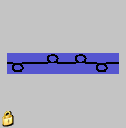
Fading-out |
2x2 SJ Rib |
|
|
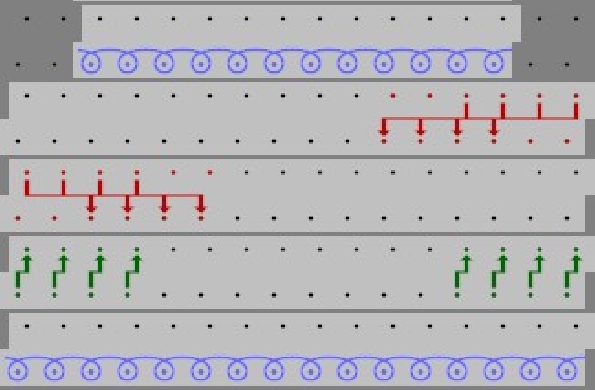
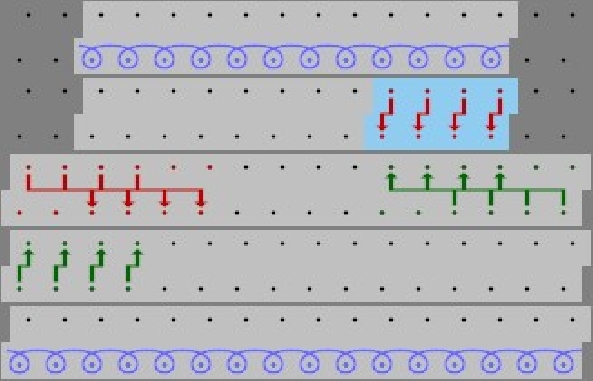
Narrowing |
Separate transfer single jersey |
|
|
L-R combined transfer |
| |
|
Narrowing Width |
8 stitches |
|
|
Narrowing step |
4 Stitches | |
|
Fading-out Width |
8 stitches | |
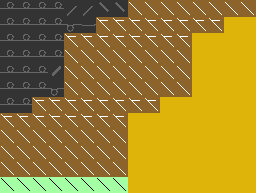
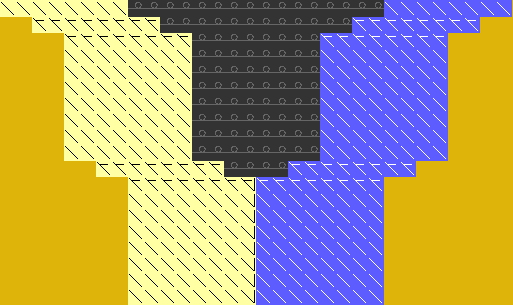
II. Make changes at start of the V-neck:
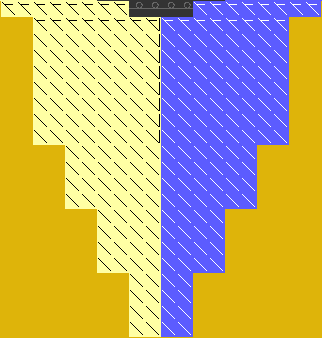
- Use existing shape edge colors and draw-in the correction of the shape edges below the V start in the symbol view [basic] with activated
 and / or
  .
.
- Generate new shape edges, allocate shape attributes and draw in the shape edges.
Confirm the entries in the Shape Attribute dialog box with the Apply in shape view button.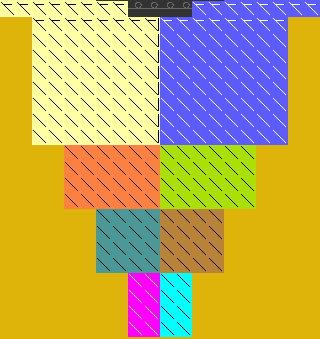
The number of rows up to the start of the v-neck opening has to be even.
- 1
- Save the changed shape via the / menu.
- The shape will be saved in the shr format.
- 2
- Cut-out the shape with the
 button in the Steps of Processing toolbar.
- Settings for fade-out and stitch lengths will be entered at the shape edge.
- 3
- Carry out the following steps of processing.