Generate pattern without shape and position shape
I. Generate pattern without shape:
- 1
- Call up the / menu.
- or -
Click .
. - 2
- Enter a Pattern name.
- 3
- Select the machine type and the desired setup type.
- 4
- Select Basic pattern (pattern without shape) and .
- 5
- Set pattern size and select the Front stitch with transfer basic knitting mode.
- 6
- Select a start.
You can insert a start after drawing the basic pattern as well.
- 7
- Confirm the settings with Generate Design Pattern.
- The Symbol view [Basic] will be opened.
- 8
- Draw the pattern and insert the reverse sides:
The creation of pattern elements is helpful.
Jacquard motif:
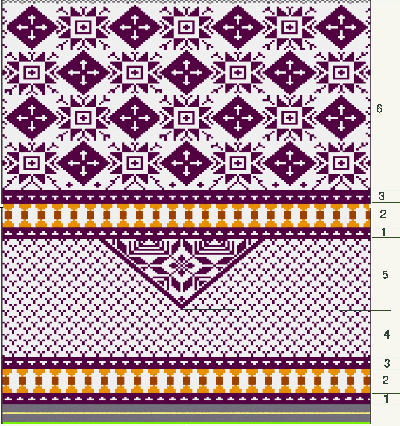
|
Area |
Description |
View |
|---|---|---|
|
1 |
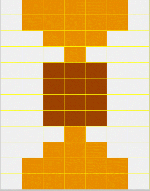
Jacquard float |
|
|
2 |
Jacquard float |
|
|
3 |
Jacquard float |
|
|
4 |
Jacquard float |
|
|
5 |
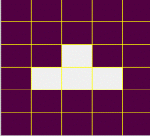
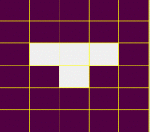
Jacquard net 1x1 |
|
|
6 |
Jacquard net 1x1 |
|
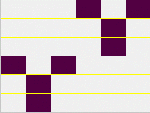
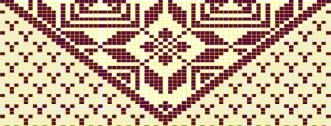
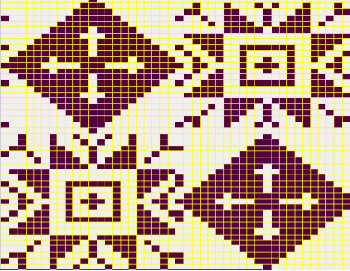
II. Open the shape and position it in the pattern:
- 1
- Load shape via / .
- The Open dialog box will be displayed.
- 2
- Specify path and select the desired shp shape.
- 3
- Click the Open button.
- The shape will be laid on the pattern in the shp format.
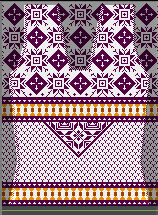
- 4
- Position the shape with the
 icon activated and the left mouse button pressed.
- or -
Move the shape with the arrow keys of the Tool Properties.
- or -
Move the shape with the arrow keys of the keyboard.