Create the shape in the M1plus Shape Editor
I. Generate shape:
- 1
- Call up the M1plus Shape Editor dialog box via the / menu.
- The dialog box will be opened.
- 2
- Open an existing shape via the / menu.
- or -
Click .
.
Example: D:\Stoll\M1plus\Versions\Form\2_set-in-front-v-neck-38.shv.
- or -
Create a new shape via the button.
 - 3
- Convert the *.shv shape into the *.shp format via the / menu.
- 4
- Create the basic element.
Basic element Front:

- 5
- In the basic element set the Distance of the shape halves to 1.
- The V-neck will be started with one needle.
- 6
- Create the neck element.
Neckline element:

Deactivate the mirrored option after creating the elements for front and neck in order to allocate different fade-out modules at the outer edges of the Basic Element as well as on the left and right of the neck opening.
- 7
- Select the Neck opening element.
- 8
- Click on the
 button in the toolbar.
- The Left lines No.: 1 dialog box is opened.
- 9
- Under module allocation click on Structure double jersey and in the selection list select Structure double jersey V1 for the start of the V-neck.
- 10
- Define the horizontal and vertical position via .
- 11
- Allocate fade-out modules to the edges of the basic elements and to the element Neck opening.
- Based on the allocation, the default attribute Front stitch – Rear stitch will be faded-out.
Use the fade-out modules from the Module Explorer of Database.
- Left Rolling Edge / Right Rolling Edge
- RR left edge / RR right edge
- Generate your own fade-out modules.
- 12
- Enter the value (2) at fading-out width.
- 13
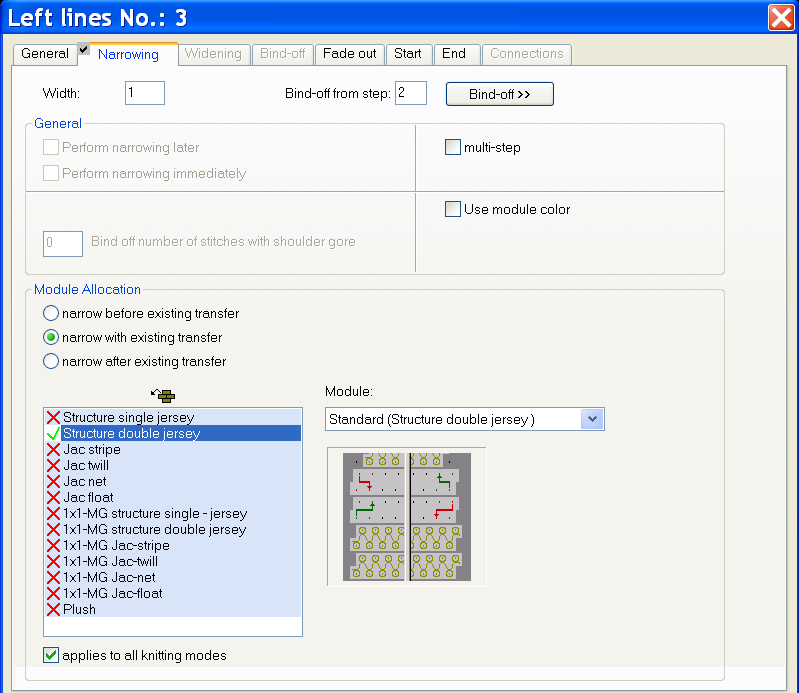
- Allocate narrowing modules to the edges of the basic element and the Neck opening element.
- 14
- Save the shape via the / or menu.
- The shape will be saved in the shp format.
- 15
- Close the Shape Editor with
 .
.
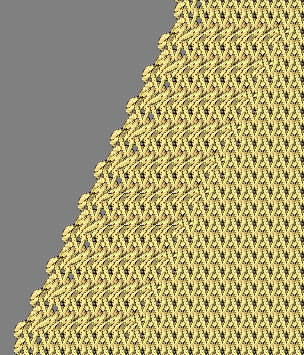
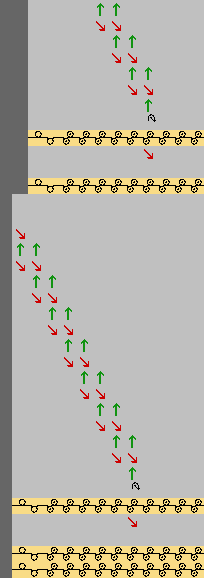
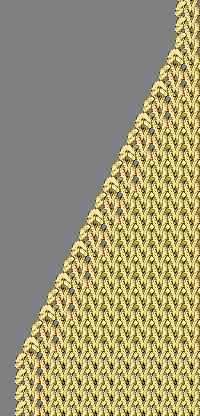
Presentation:
- Fade-out module: Left Rolling Edge
- Narrowing width: 1
|
Fabric View |
Symbol Presentation |
|---|---|
|
|
|
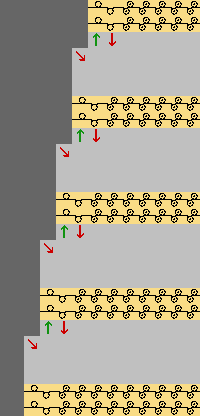
II. Double jersey narrowing with any narrowing width:
- 1
- Specify a value greater than 1 to the edges of the basic element and the Neck opening element in the Narrowing tab under .
Presentation:
- Fade-out module: Left Rolling Edge
- Narrowing width: 8 needles
|
Fabric View |
Symbol Presentation |
|---|---|
|
|
|