Create a pattern without shape and open the shape
I. Generate pattern without shape:
- 1
- Select / from the menu bar.
- or -
Click the icon.
icon. - 2
- Enter a Pattern name.
- 3
- Select machine type.
- 4
- Select the setup type 2.
- 5
- Select Basic pattern (pattern without shape) and Design Pattern.
- 6
- Specify the height and width of the pattern.
- 7
- Open Module Explorer of Database....
- 8
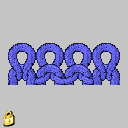
- Select as basic pattern: Modules / Stoll / Default / Ribs / 2x2 RL-Rib
- 9
- Add the 2x2 SJ Rib module from the Module Explorer of Database to the selection list for the basic pattern by drag&drop
 .
. - 10
- Select 2x2 in the selection list.
You can insert the start after drawing the basic pattern as well.
- 11
- Confirm the settings with Generate Design Pattern.
- The Symbol view [Basic] will be opened.
The 2x2 rib of the basic pattern must match the 2x2 rib of the start.
II. Open the shape and position it in the pattern:
- 1
- Load shape via / .
- The Open dialog box will be displayed.
- 2
- Specify path and select the desired shp shape.
- 3
- Click the Open button.
- The shape will be laid on the pattern in the shp format.
- 4
- Click on the
 symbol.
 - 5
- Position the shape.
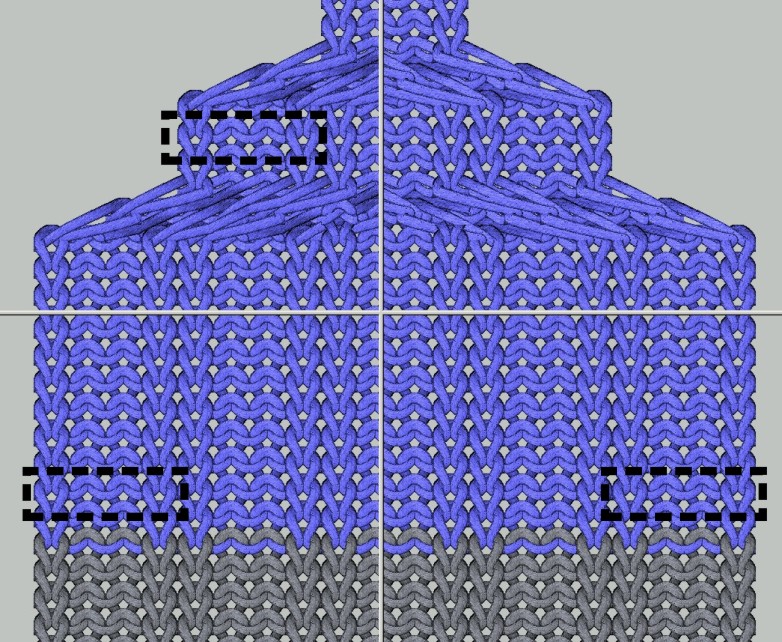
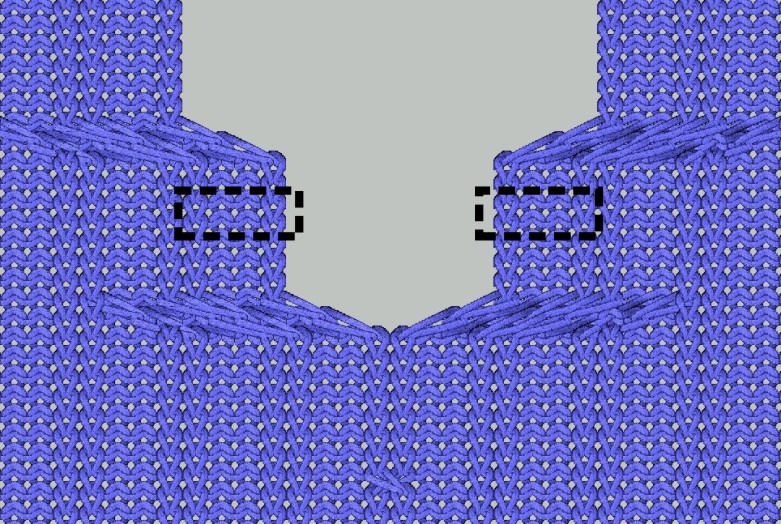
Result with the shape positioned:
|
Positioning the shape | |
|---|---|
|
|
|
|
Left and right border of the shape |
Left and right border of the V-neck |