Draw color
Draw-in colored stripes:
- 1
- Set the in the Pattern Presentations toolbar.
- The yarn colors are displayed.
- 2
- Select the desired yarn color in the Pattern Colors toolbar.
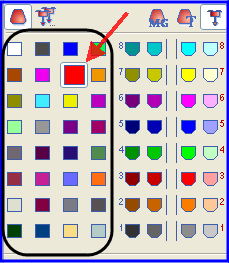
- 3
- Enter the color for the colored stripe via the control column of the Symbol View.
A new yarn carrier is defined for each color drawn-in.
If possible, draw-in an even number of rows of one color into the pattern.