Change Binding and Knot at the Start or End of a Yarn Field
- 1
- Select the desired yarn field in the yarn field view.
- or -
Select the yarn field in the column of the yarn field table.
 - 2
- Place the cursor in the selected row in the cell of the
 column.
 - 3
- Call up the context menu and select the desired module.
- 4
- Insert the selection in the cell of the selected row.
Setting | Function |
|---|---|
Binding |
|
Knots |
|

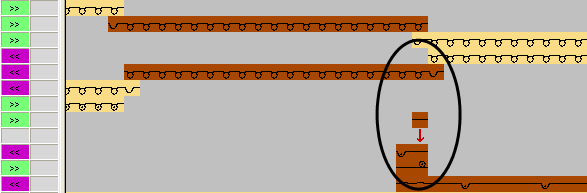
In the same way make the setting for Knitting-out in the  column.