Create and draw a pattern
I. Create and draw a pattern:
- 1
- Generate a new pattern via / .
- or -
Click the icon.
icon. - 2
- Open Module Explorer of Database.
- 3
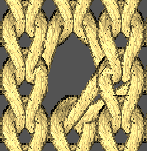
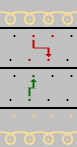
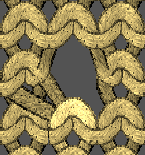
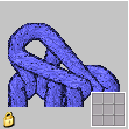
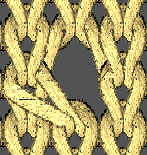
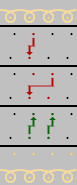
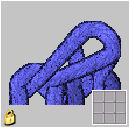
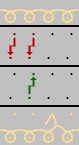
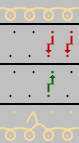
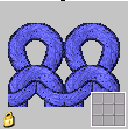
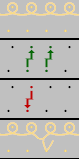
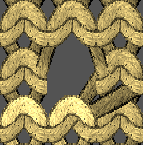
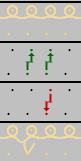
- Select and draw the pattern with the pointelle modules from the directory Modules / Stoll / Standard / Pointelle.
Attention:
Tuck and R-R are not allowed in the same technical row when you use split!
|
Modules in use and their presentations | |||
|---|---|---|---|
|
|
Module Name |
Fabric View |
Technical view |
|
Pointelle (stitch underneath) |
Pointelle_v_Repeat <= |
|
|
|
Pointelle_v_Repeat => |
|
| |
|
Pointelle_^_Repeat <= |
|
| |
|
Pointelle_^_Repeat => |
|
| |
|
Pointelle (Stitch above) |
Pointelle_v_above <= |
|
|
|
Pointelle_v_above => |
|
| |
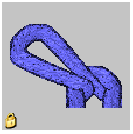
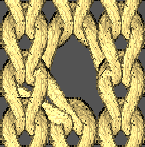
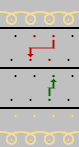
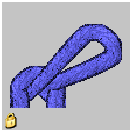
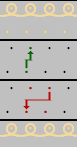
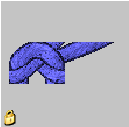
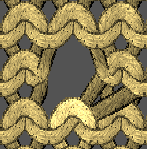
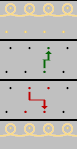
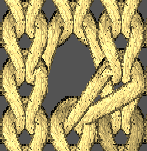
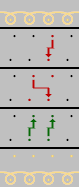
- 4
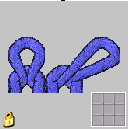
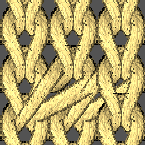
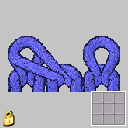
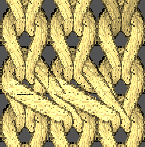
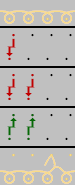
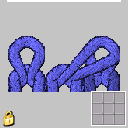
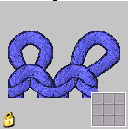
- Select and draw the pattern with the pointelle with split modules from the directory Modules / Stoll / Standard / Pointelle Closing/Split.
|
Modules in use and their presentations | |||
|---|---|---|---|
|
|
Module Name |
Fabric View |
Technical view |
|
Pointelle with Split |
Pointelle Split_v_underneath <= |
|
|
|
Pointelle Split_v_underneath => |
|
| |
|
Pointelle Split_v_above <= |
|
| |
|
Pointelle Split_v_above => |
|
| |
|
Pointelle Split_^_ above => |
|
| |
|
Pointelle Split_^_ above => |
|
| |
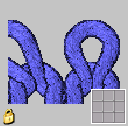
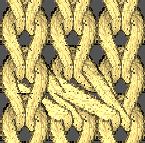
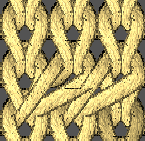
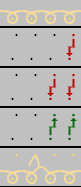
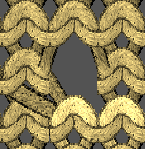
You will find further modules in the Module Explorer of Database under Standard / Pointelle Closing/Split.