Generate motif and length cycles
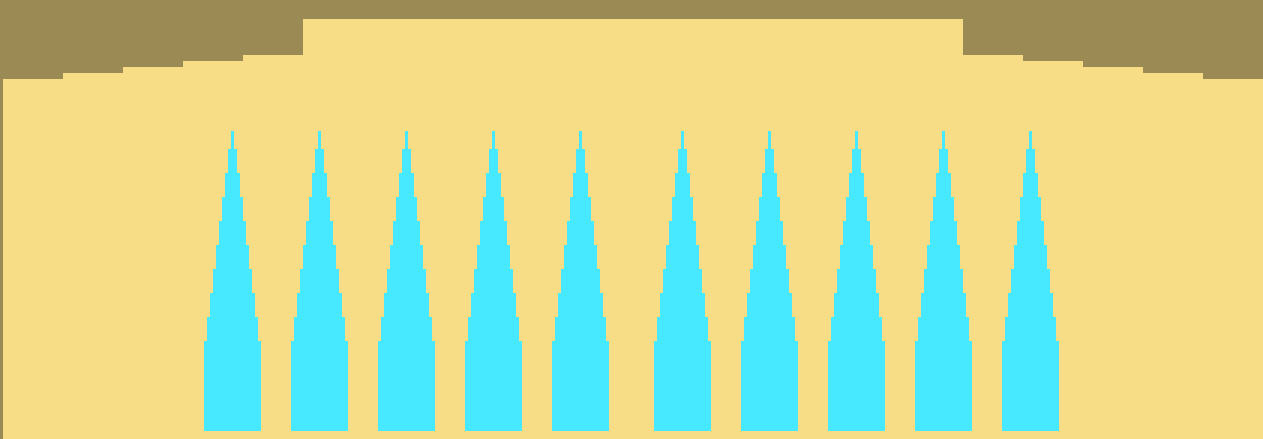
Generate the motif:
- The shape is positioned on the basic pattern.
- 1
- Below the plissee it is possible to draw-in structure steps by the
 needle action, if necessary. This way the pleat effect is supported.
Inserting cycles:
By transferring the pleats, the fabric width is reduced and the tension in the fabric is increased. Therefore, the fabric needs a minimum length between the fabric beginning and the pleat transfer.
Cycles have to be inserted in the basic pattern for the length control.
- The fabric has to be grasped by the main take-down when the pleats are transferred.
- 1
- In the area of the structure steps select rows, which are to build a cycle.
- 2
- Call up the Cycles dialog box with the / menu.
- or -
Press the key combination Ctrl + R.
- The Cycles dialog box is opened.
- 3
- Use a common cycle counter.
- or -
Use a separate cycle counter for each stepping. 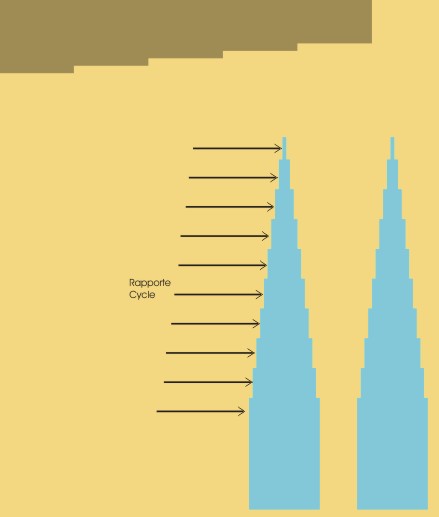
- 4
- Select rows also above the pleats and insert a cycle, if necessary.