Generate devoré motif with plush
Draw the motif:
- 1
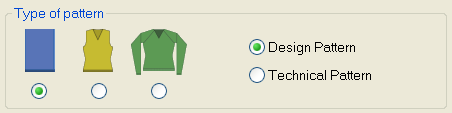
- Select Basic pattern (pattern without shape) and .
- 2
- Select the desired start.
- 3
- Confirm the settings with Generate Design Pattern.
- 4
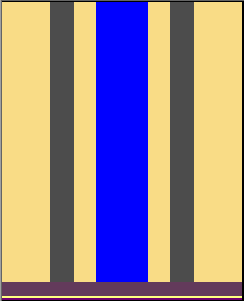
- Draw devoré and plush motif with three different yarn colors or yarn carrier colors.
II. Insert the Jacquard:
- 1
- Call up the Jacquards dialog box via the / menu.
- 2
- Create a row selection of the motif height.
- 3
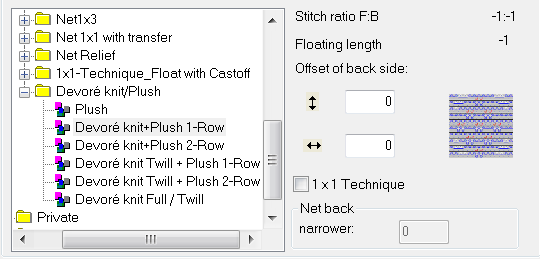
- Select the jacquard type under the / section and confirm with OK.
- 4
- More options:
- 5
- Change color sequence
- 1st color = binding thread
- 2nd color = motif thread
- 3 rd color = cast-off (color is omitted by technical processing)
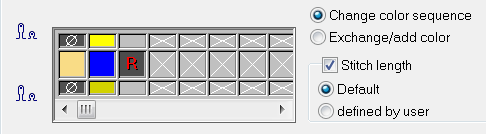
The color for the binding thread has to be the leading in the color sequence. Activate the Stitch length checkbox. Thereby the stitch length available in the Jacquard module will be applied to the pattern.
- 6
- Close the dialog box with OK.