System functions tab
On this tab you can display the functions available for each knitting system in the System functions section and activate and deactivate them if necessary. These settings affect Technical Processing. For example, only the systems for Splitting that have been provided for this purpose in the system functions are used.
On the System functions tab, the following settings are made:
Element | Meaning | |
|---|---|---|
Knitting system section | ||
|
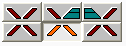
| Click on one of the graphically displayed systems to display the functions possible in this system in the section. |
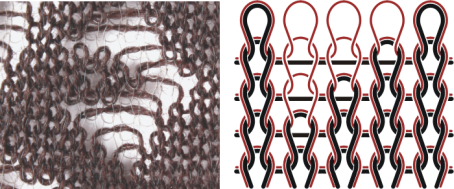
| Activate this check box when you want to work plush on the machine. | |
| Activate this check box if you want to work devoré knit/Plush on the machine.
| |
| Activate this check box if a selvedge correction is to be performed at the shape edge (also V-neck) with devoré knit/Plush.
| |
| Plush can be worked in the systems displayed here. | |
Button | When this button is clicked, the default system functions of Stoll are set again. In the process the values from the Stoll machine database are applied. | |
Cam functions section | ||
|
Com box modification in order to hold-deep the fabric by driven-out needles.
| |
| ||
| ||
| The functions possible for the selected system are displayed in the Knitting system section.
| |
The needle can be driven out to the tuck position. | ||
The needle can be driven out to the delivery position to the opposite needle bed. | ||
| ||
| ||
| ||
| ||
| ||
| ||

 : As transfer is no longer possible in all systems during plushing, a question appears when this function is switched on asking whether the system functions are to be adjusted accordingly.
 : For additional information on the subject of plushing, read the manual
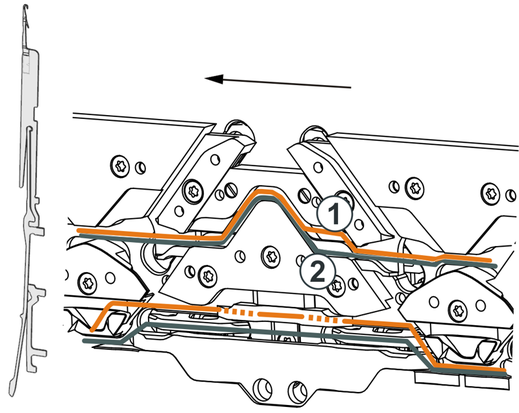

 Separated according to carriage direction
 Both carriage directions together